Budgeting
What is zero-based budgeting?
Zero-based budgeting means deciding what every dollar you have is for, until no money is left without a plan. Your bank balance doesn’t go to zero.
In a zero-based budget, you decide what every dollar you have is for: rent, groceries, the emergency fund, next summer’s trip. You keep going until there’s no money left without a plan.
What it is
The idea started in business. Peter Pyhrr wrote about it in a 1970 Harvard Business Review article called “Zero-Base Budgeting.” Instead of starting from last year’s budget, every cost starts at zero and has to earn its place.
At home it’s simpler. Suzanne Holloway, an extension agent at the University of Florida, describes it as a budget that “assigns every dollar earned a purpose.” You can think of each purpose as a job for that money. In numbers, it looks like this:
Money coming in, minus every dollar you’ve assigned, equals zero.
The zero is the money without a plan. Your bank balance doesn’t go to zero. Say you have $3,000 in checking. You might assign $1,400 to rent, $500 to groceries, $300 to the car, $200 to fun and $600 to savings. Nothing is left unassigned, but the money is all still there. It’s just spoken for.
Why it matters
Money without a job tends to get spent on whatever comes up. Giving it a job before the month starts keeps that from happening.
Savings gets a job like everything else. In a zero-based budget, the emergency fund isn’t whatever’s left over at the end. It’s a line you put money into, just like rent.
When you overspend, the money has to come from somewhere. If groceries run $60 over, you take $60 from another job. That makes it a choice you make on purpose, not a surprise at the end of the month.
It also works when your pay changes. You only assign money you already have, so a small month just means fewer jobs get money.
How to do it
1. Start with the money you have
Use what’s in your accounts now, or this month’s pay once it arrives. Only budget money you already have, not money you’re expecting.
2. List the jobs
Put the fixed bills first, then everyday needs like groceries and gas, then savings goals and extra debt payments, then the fun stuff. Bills that don’t come every month, like insurance or holiday gifts, get a little money each month too.
3. Assign money until nothing is left
Go down the list and give each job an amount. If you run out of money before you reach the end, the last items wait until next time. If money is left after the last item, give it a job too, like extra savings or paying down a debt.
4. Move money when plans change
When a category runs over, take the difference from another one and write down that you did. Most of zero-based budgeting is this one habit.
5. Give new money a job right away
A refund, a gift or money from a side job gets a job the day it arrives.
How to do it in Simple Balance
To use Simple Balance as a zero-based budgeting app, two features work together. One is budgets that carry over from month to month. The other is a number called left to assign.
Turn on carrying
On Budgets, when you set or edit a budget, check Carry what is left over into the next month. That turns the budget into an envelope. Whatever you don’t spend this month is added to next month, and anything you overspend is taken off next month.
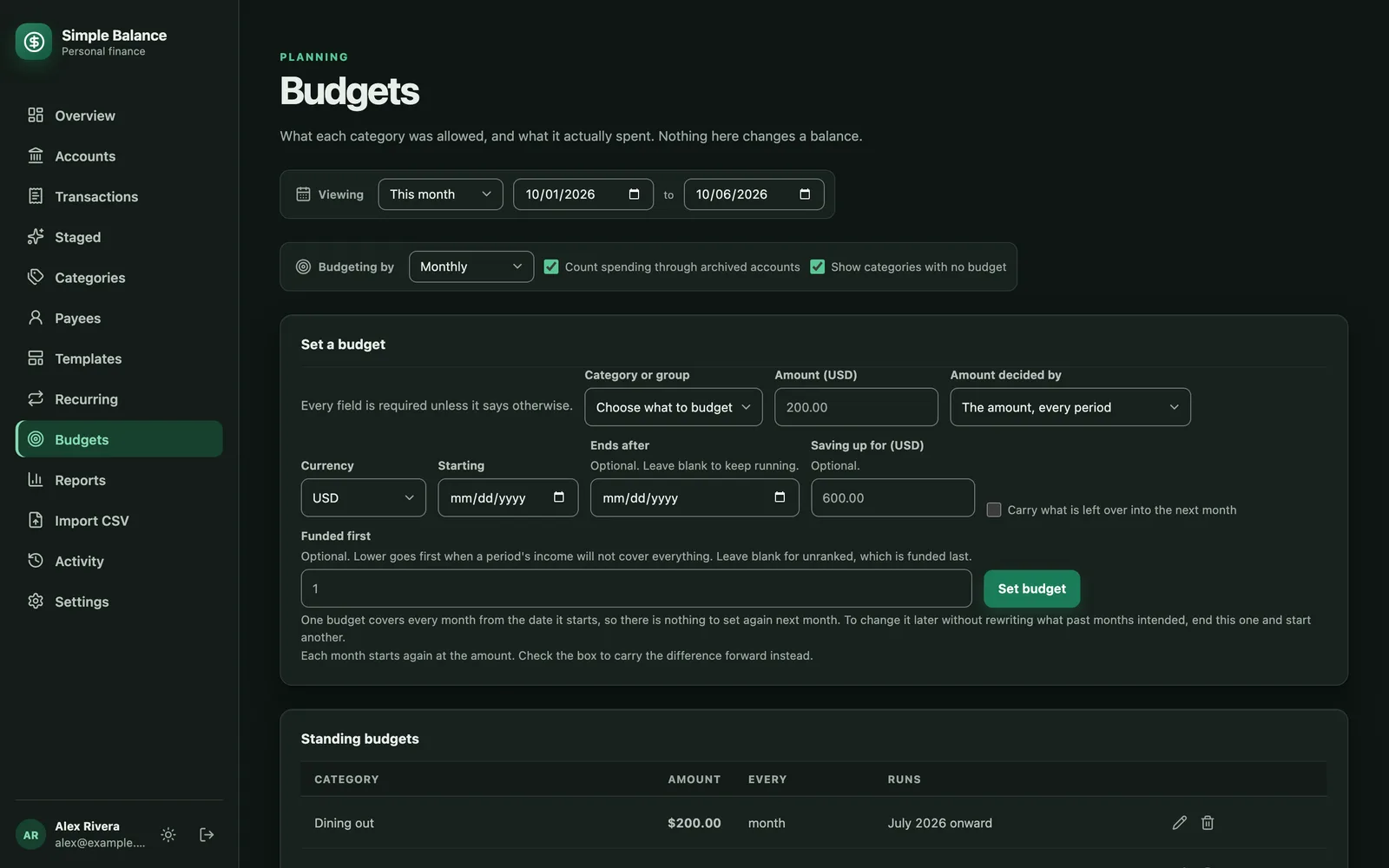
The money in this picture is made up. It’s the real product, filled with example spending.
Watch what’s left to assign
Once any budget carries over, the Budgets page shows how much is left to assign. That’s the money in the accounts your budget covers, minus what your envelopes already hold. Your goal is to bring it to zero by giving the rest a job.
Choose which accounts count
Each account’s form has a box called The budget is about the money in this account. Leave it on for checking, savings you spend from, and credit cards. Card spending empties an envelope right away, even though the cash leaves later when you pay the bill. Turn the box off for money that isn’t part of your plan, like a retirement account.
Your accounts are on the Accounts page, grouped by type. The box is in each account’s form.
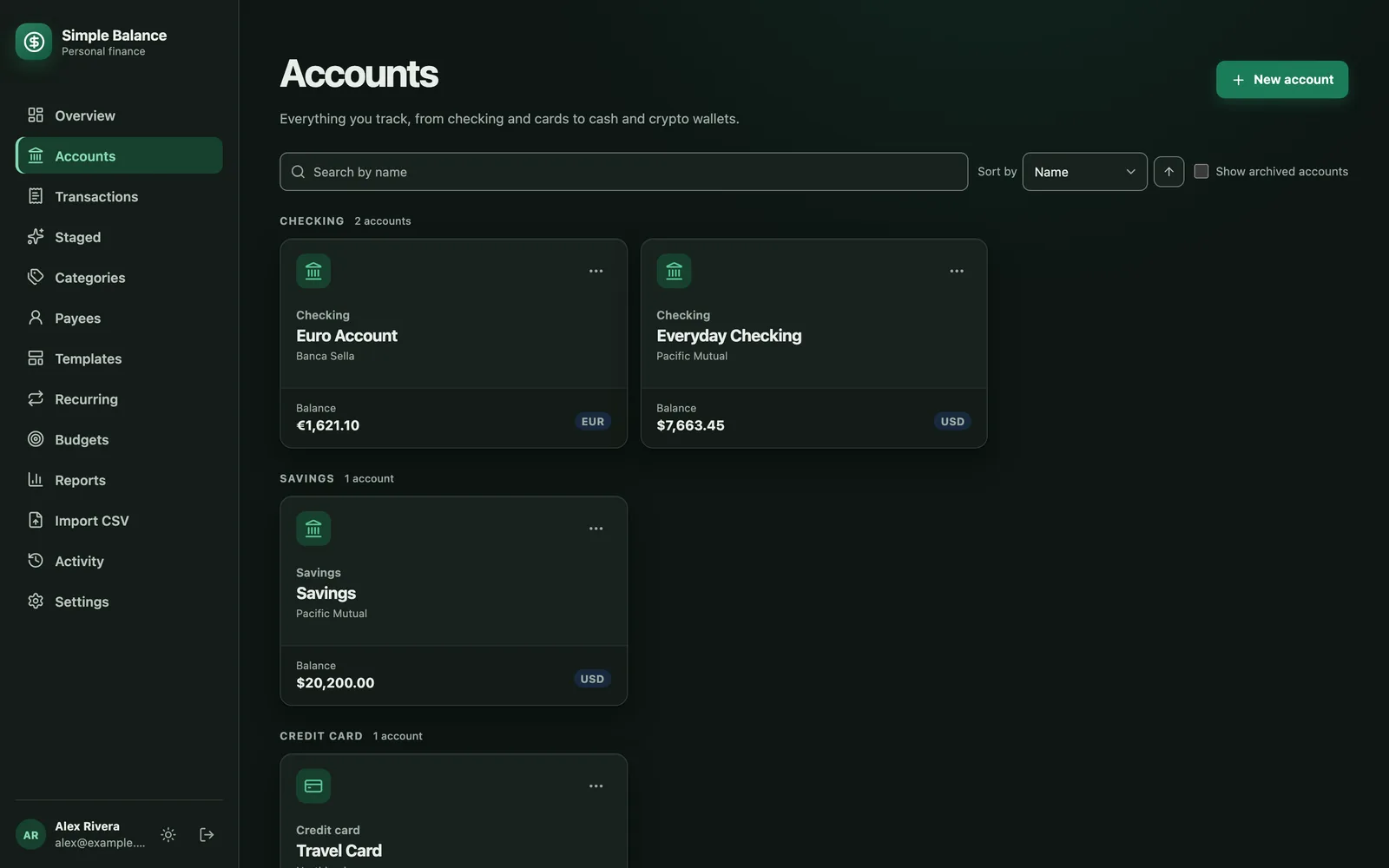
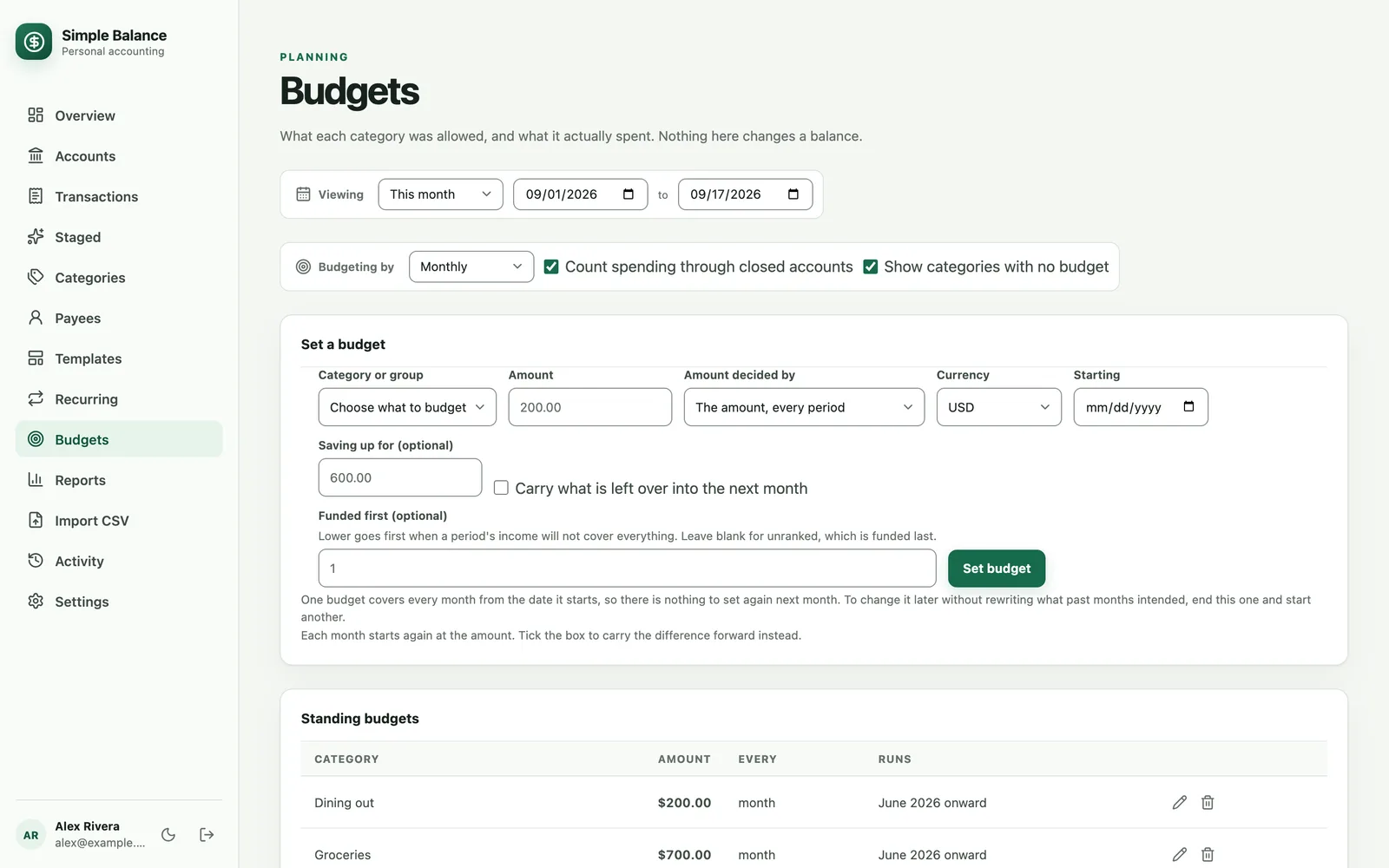
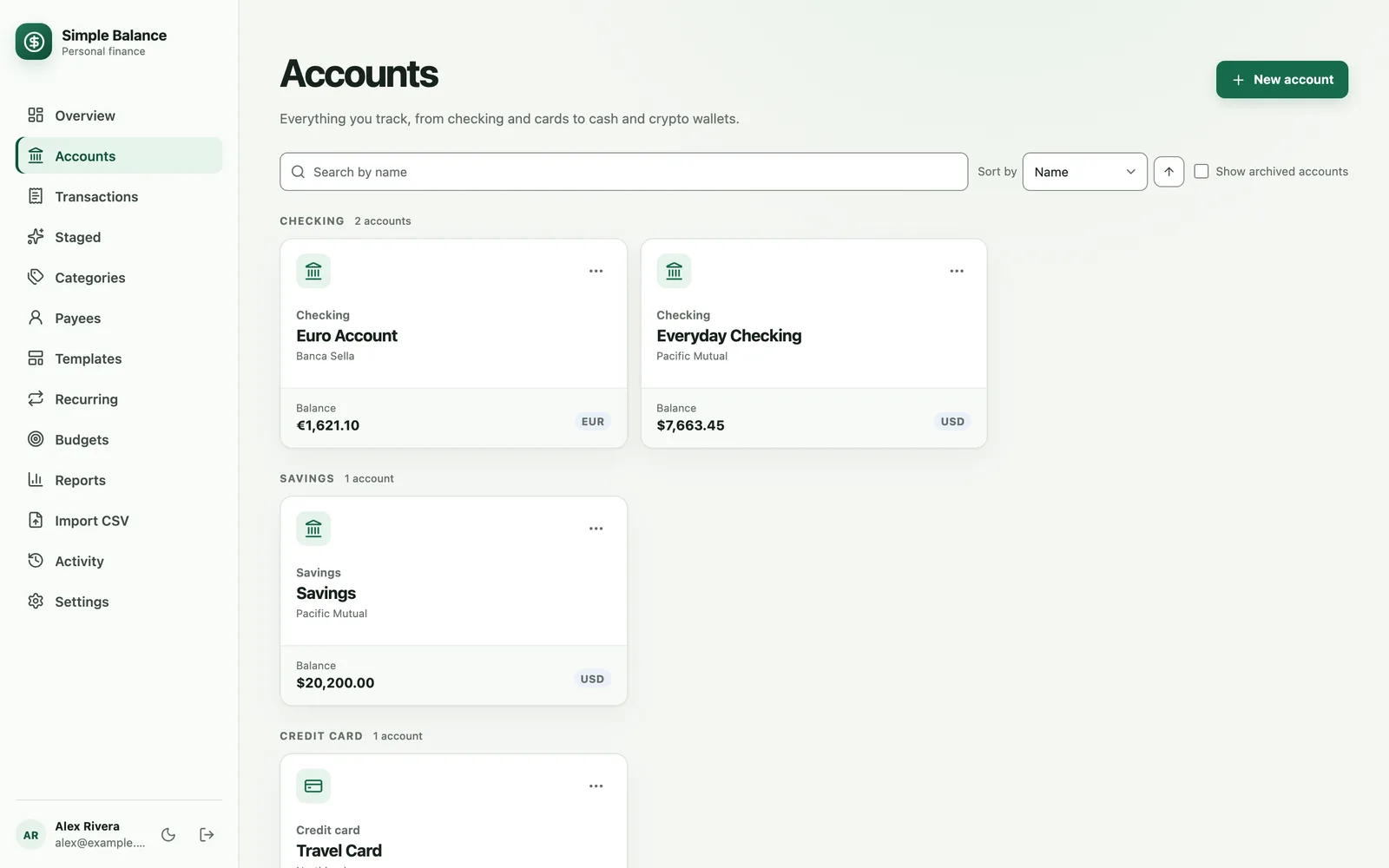
The money in this picture is made up. It’s the real product, filled with example spending.
Move money between jobs
When one category runs over and you want to cover it from another, change both amounts for this month only. Press the calendar button at the end of each budget’s row and type the new amount. Next month, both go back to normal.
Set a limit on an envelope
Most to carry stops an envelope from growing forever. It works both ways. It caps money that piles up in a fund you never use, and it caps overspending that never gets paid back.
What is envelope budgeting? looks at the same idea from another angle. The Budgets page in the documentation explains exactly how left to assign is worked out.
Sources
- Peter A. Pyhrr. “Zero-Base Budgeting.” Harvard Business Review 48, no. 6 (November and December 1970): 111 to 121. Library record.
- Suzanne Holloway, UF/IFAS Extension Leon County. The Basics to Budgeting. September 12, 2025.