Start here
How to make a budget
Start from what you take home, list your fixed bills, and set a number for each category from what you really spent. Then check your budget every week.
A budget is a plan for what your money will do this month, made before the month starts. You write down a few numbers, check them against what really happens, and fix the ones that turn out wrong. It doesn’t have to be strict, and you don’t fill it in once and forget it.
Why it matters
With a budget, you decide once instead of at every checkout. Without one, each purchase is a new choice made on the spot, often when you’re tired or hungry. A budget lets you make those choices ahead of time, when you’re calm.
It also shows you the trade-offs. Money spent on one thing can’t be spent on something else. If you want $100 more for eating out, it has to come from somewhere, and a budget lets you pick where.
You catch problems early, too. If you notice in the second week that groceries are running high, you still have time to adjust. If you only find out when the card bill comes, the month is already over.
And saving stops being whatever’s left over. When saving is a line in your budget, it happens. When it’s whatever remains at the end of the month, there’s often nothing left.
How to do it
These steps cover the same ground as the Consumer Financial Protection Bureau’s guide to making a budget: what comes in, what goes out, and when your bills are due. Its budget worksheet is a handy place to write it all down.
1. Start from what you take home
Use the amount that lands in your account after taxes and anything else your employer takes out, not your salary. If your pay changes from month to month, plan around a low month instead of an average one. How to budget with irregular income covers that in more detail.
2. Write down the fixed bills
These are the bills that stay about the same every month: rent or mortgage, utilities, insurance, your phone, the minimum payment on any debt, and the subscriptions you’re keeping.
3. Look at what everything else really costs
Groceries, eating out, gas, shopping and fun change from month to month. Don’t guess at them. Use the last two or three months of statements, which is what tracking your spending gives you. A budget built on guesses tends to fall apart in the first week.
4. Set a number for each category
Start each one at about what you spend now. Then change a few on purpose: the ones you want to bring down, and any goals you want to save for. It’s easier to stick with two or three changes than with fifteen.
5. Plan for the months that aren’t typical
Car insurance twice a year, holidays, birthdays, new tires. These are easy to leave out because they don’t happen every month, and then they show up all at once. Utah State University Extension suggests adding up a year of these bills, dividing by 12, and setting that much aside each month. That’s what sinking funds are for.
6. Check in every week
Ten minutes a week is enough. Compare what you’ve spent so far with each number. When a category runs over, take the difference from another category, or accept it and move on. Change the numbers when you need to, but keep the spending you record honest. A budget only works if it’s checked against what you really spent.
7. Expect the first few months to be off
Your first budget is still partly a guess. By the third month, real spending has corrected most of the numbers, and the budget starts to feel like it fits.
How to do it in Simple Balance
In Simple Balance, a budget compares what you planned to spend in a category with what you actually spent. A budget never changes your balances, so deleting one changes nothing else.
Start with real spending
Bring in a month or two of statements first, or type them in, so your budget starts from real numbers. How to track your spending shows how. Then Overview shows your spending by category, so you can see what each one really costs.
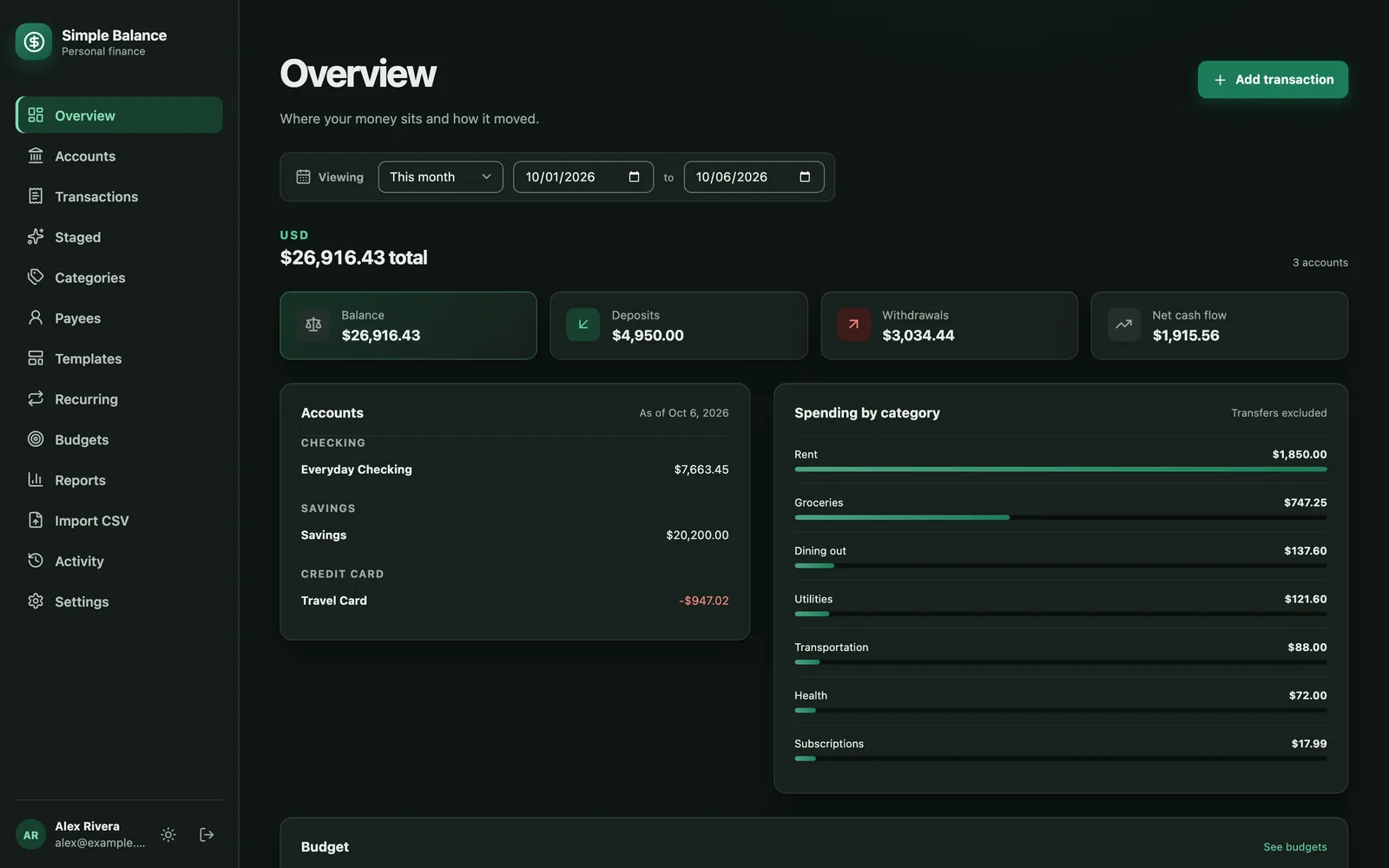
The money in this picture is made up. It’s the real product, filled with example spending.
Set a budget
Open Budgets. Under Set a budget, choose a category, type the monthly amount, pick the date it starts, and press Set budget. That one budget covers every month from then on until you end it, so there’s nothing to set up again next month.
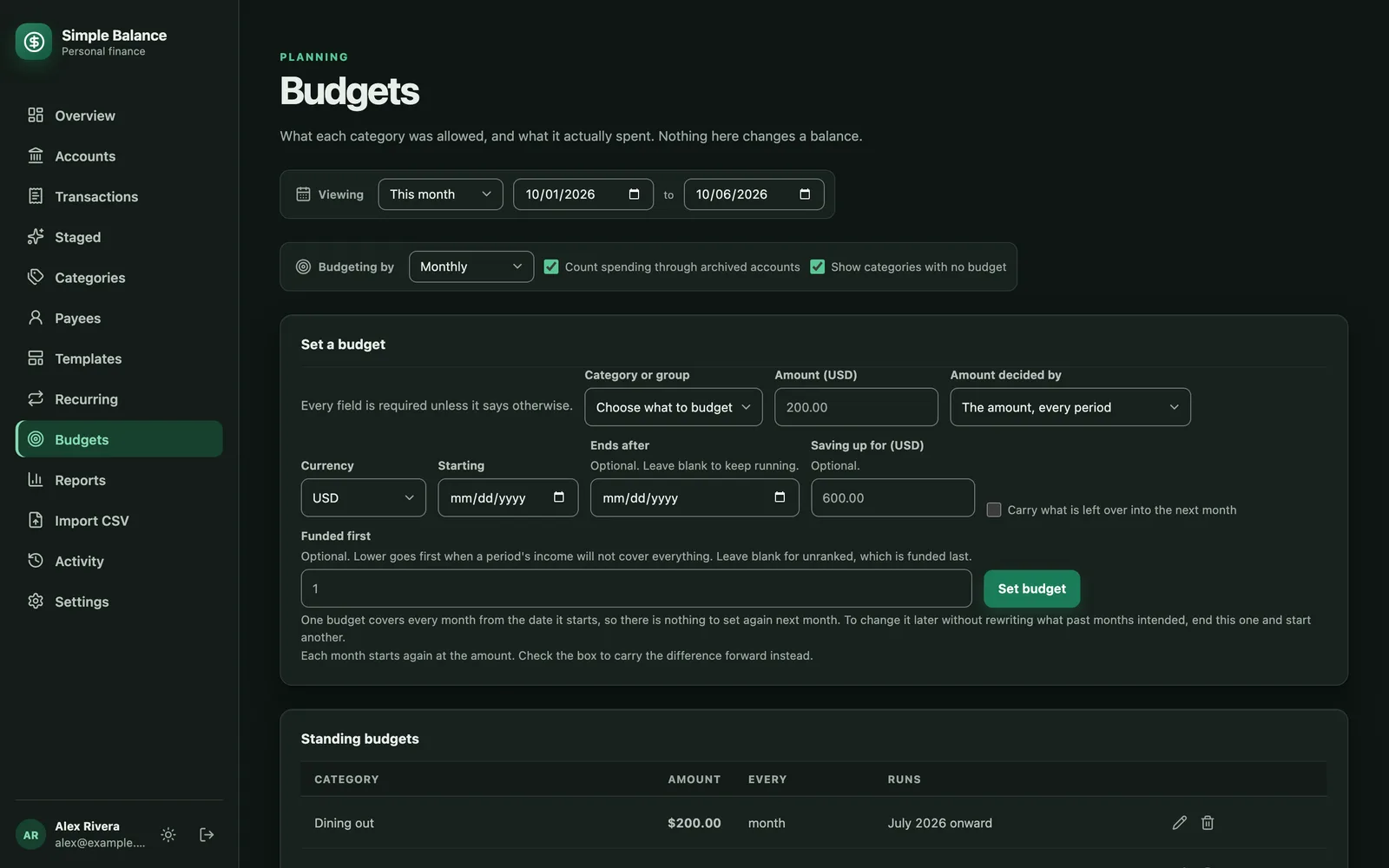
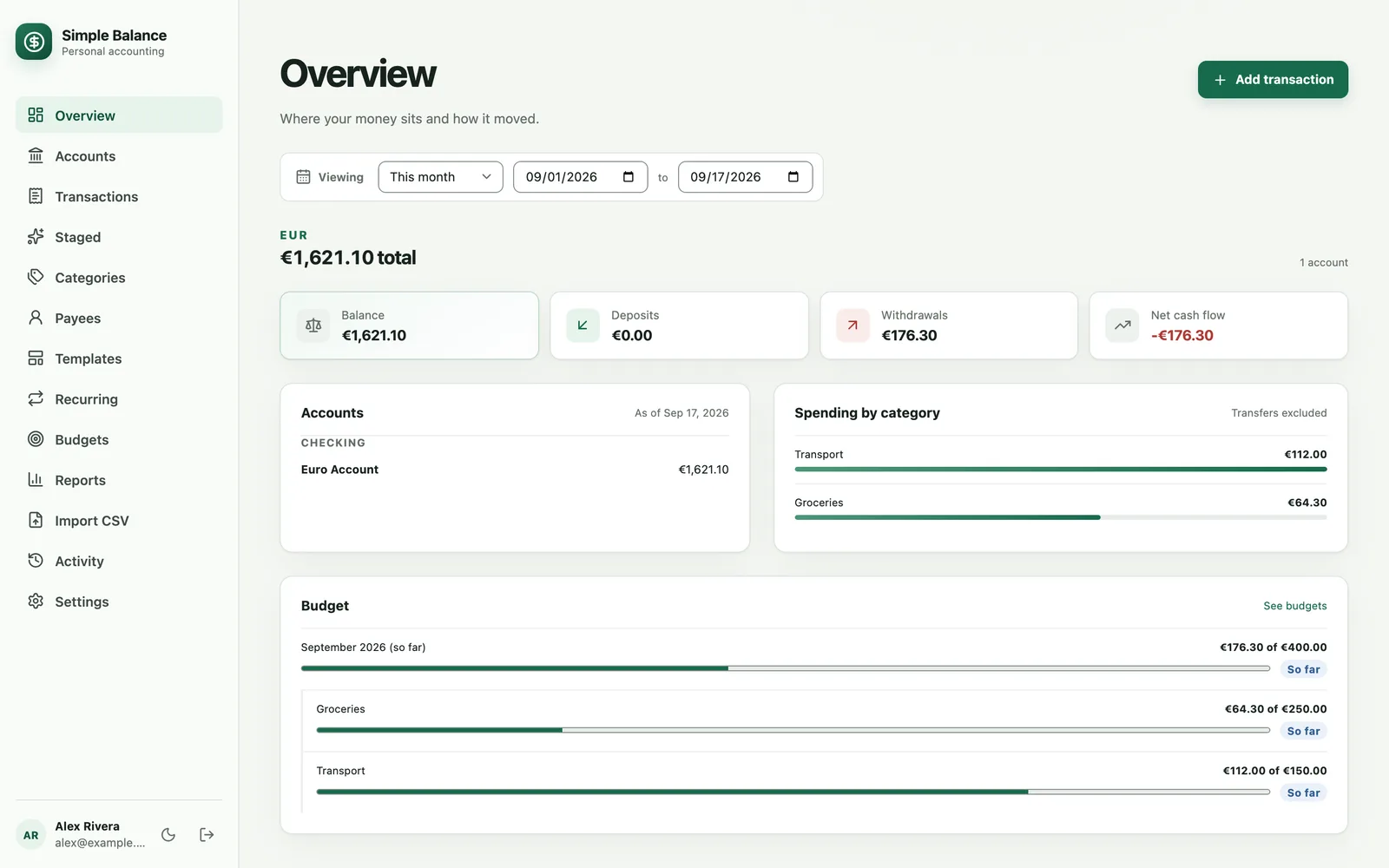
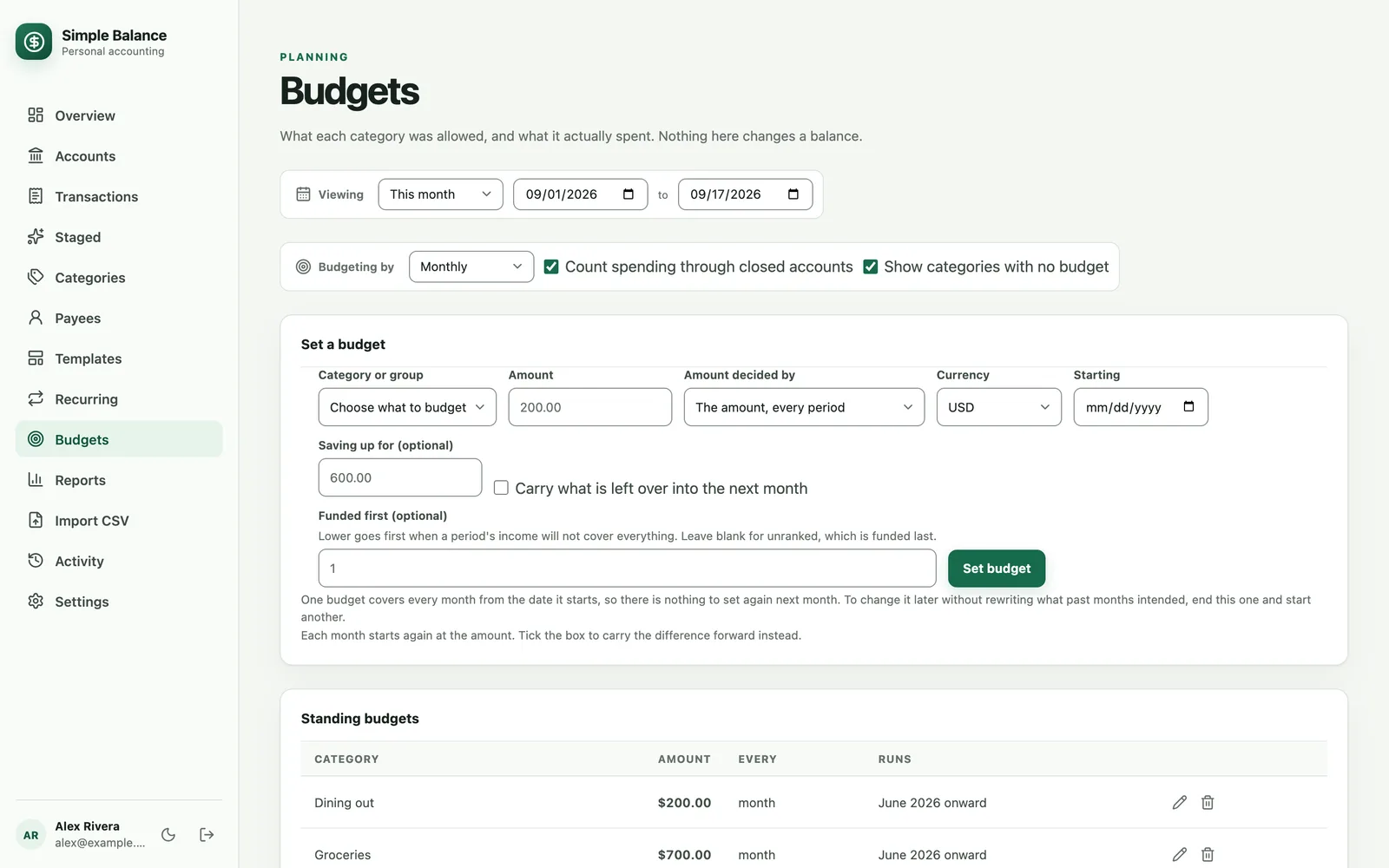
The money in this picture is made up. It’s the real product, filled with example spending.
Read your budget
Each budget gets a row. Budget is your limit, Spent is what you’ve spent, and Remaining is the difference. A refund lowers Spent, since it gives back money you’d spent. A month that isn’t over yet is marked So far, because being under budget halfway through the month doesn’t mean you’ll finish under.
Spending in categories you haven’t budgeted shows up too, so you can see where the rest of your money went. A category you budgeted but didn’t spend anything in still shows, at zero.
Let one month be different
December’s grocery bill isn’t the same as November’s. Press the calendar button at the end of a budget’s row to set an amount for just that month. Clear it later to go back to the usual amount.
A simple first month
Set budgets on your five biggest spending categories at about what they cost now. On the two you most want to control, check Carry what is left over into the next month, so money you don’t spend stays put for later. For the next big bill you know is coming, set a budget and fill in Saving up for and Needed by. Then come back once a week. The Budgets page in the documentation has more detail.
Sources
- Courtney-Rose Dantus, Consumer Financial Protection Bureau. Budgeting: How to create a budget and stick with it. June 5, 2019.
- Consumer Financial Protection Bureau. Monthly budget worksheet.
- Melanie Dabb, Utah State University Extension. How do I budget for non-monthly expenses?. October 13, 2020.