Keeping it accurate
How to balance your checking account
Match your record to your bank’s statement line by line, allow for what’s still on its way, and track down any difference. It takes about ten minutes a month.
Balancing your checking account means comparing your own record with your bank’s statement, line by line, until the two agree. Accountants call it reconciling. People used to do it with a checkbook and a pencil. You may not write checks anymore, but the reasons to do it haven’t gone away.
Why it matters
You catch charges you didn’t make. A charge you don’t recognize is easiest to fight when you find it early. If an unauthorized withdrawal shows up on your statement, the Consumer Financial Protection Bureau says you should tell your bank within 60 days. If you wait longer, you could end up paying for charges that happen after that.
You catch mistakes, the bank’s and your own. A double charge, a refund that never came, a fee you didn’t expect, or a $54 purchase you wrote down as $45.
You stop trusting the wrong number. The balance your banking app shows may not include everything that’s on its way out. The federal agency that oversees national banks points out that many transactions are processed overnight, so they may not show up in your available balance yet. Checks that haven’t been cashed and payments still pending are already spent, as far as you’re concerned. If you spend against a number that doesn’t know about them, that’s how overdraft fees happen.
And your budget is only as good as your record. Every total you look at later depends on the transactions being right.
How to do it
These steps follow the FDIC’s Money Smart lesson, Balance your checkbook.
1. Get the statement
You need the ending balance and the list of everything on the statement. Most banks show both online, and many let you download the list as a file.
2. Check off what matches
Go down the statement and find each item in your own record. Mark it in both places. A pen works, and so does a column in a spreadsheet.
3. Look at what doesn’t match
Whatever is left falls into two piles.
The first pile is things on the statement but not in your record. These might be fees, interest, an automatic payment you forgot, or a charge you don’t recognize. Add the real ones to your record, and look into any you don’t recognize.
The second pile is things in your record but not on the statement. Usually these haven’t reached the bank yet. Think of a check that hasn’t been cashed, a deposit you made after the statement closed, or a purchase that’s still pending.
4. Do the math
Start with the statement’s ending balance. Subtract the withdrawals that are still on their way out, and add the deposits that are still on their way in. The answer should match the balance in your own record.
5. If it doesn’t match, look at the difference
How big the gap is gives you a clue:
- If it matches one transaction exactly, that one is missing from one side.
- If it’s twice one transaction, that one was probably entered backward, as money in instead of money out.
- If it divides evenly by 9, two digits were probably swapped. A $54 purchase written as $45 leaves a gap of $9, and $820 written as $280 leaves $540. Accountants look for this when they reconcile.
6. Do it every month
The best time is right after your statement comes, while you still remember the month. Once it’s a habit, it takes about ten minutes.
How to do it in Simple Balance
Bring in the statement
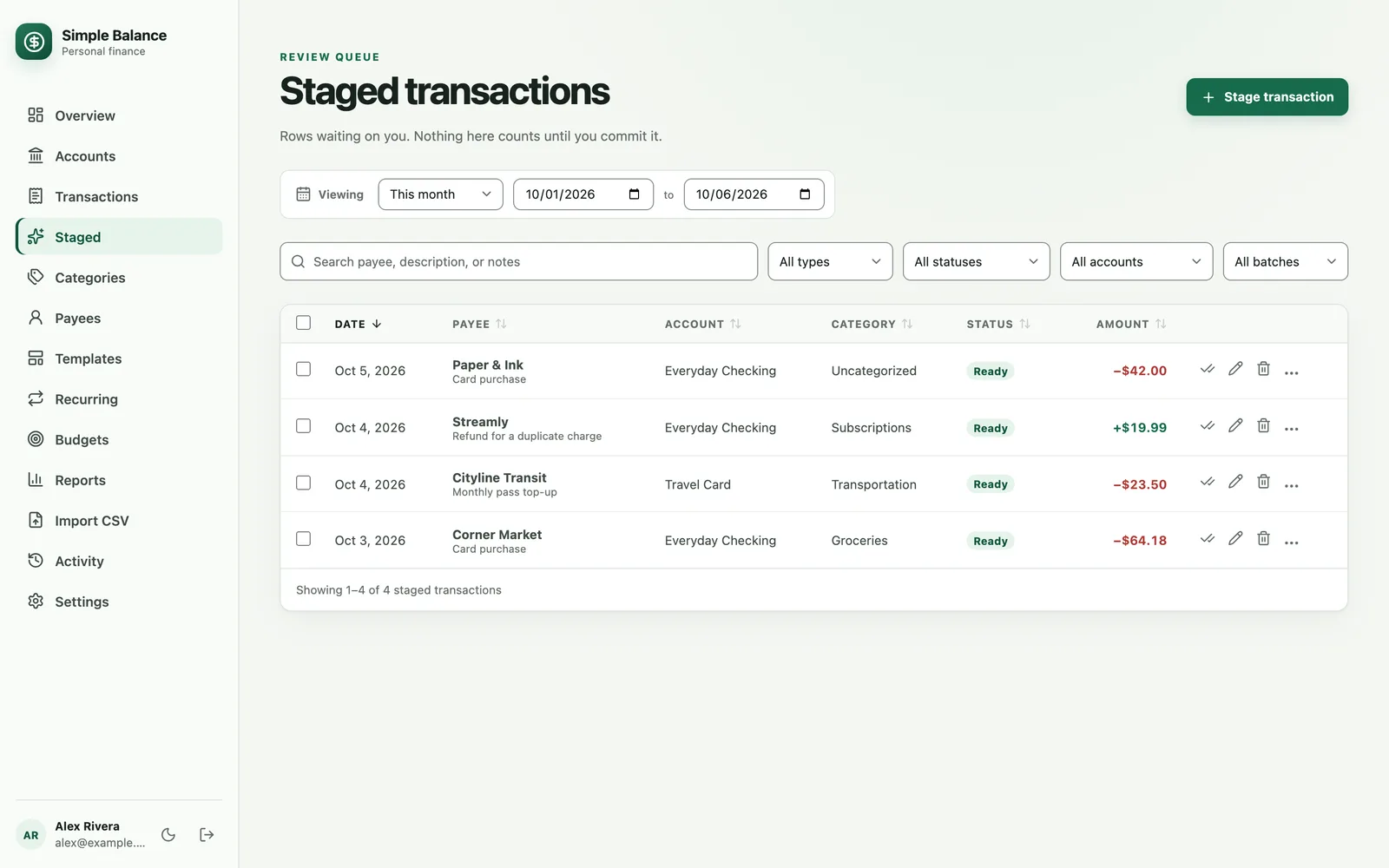
Download the statement period from your bank as a CSV file, then open Import CSV. Rows that look like something you’ve already entered get flagged as possible duplicates. Each one is shown side by side with the entry it looks like, so bringing in purchases you already typed won’t count them twice. Check the rows on Staged, then press Commit selected.
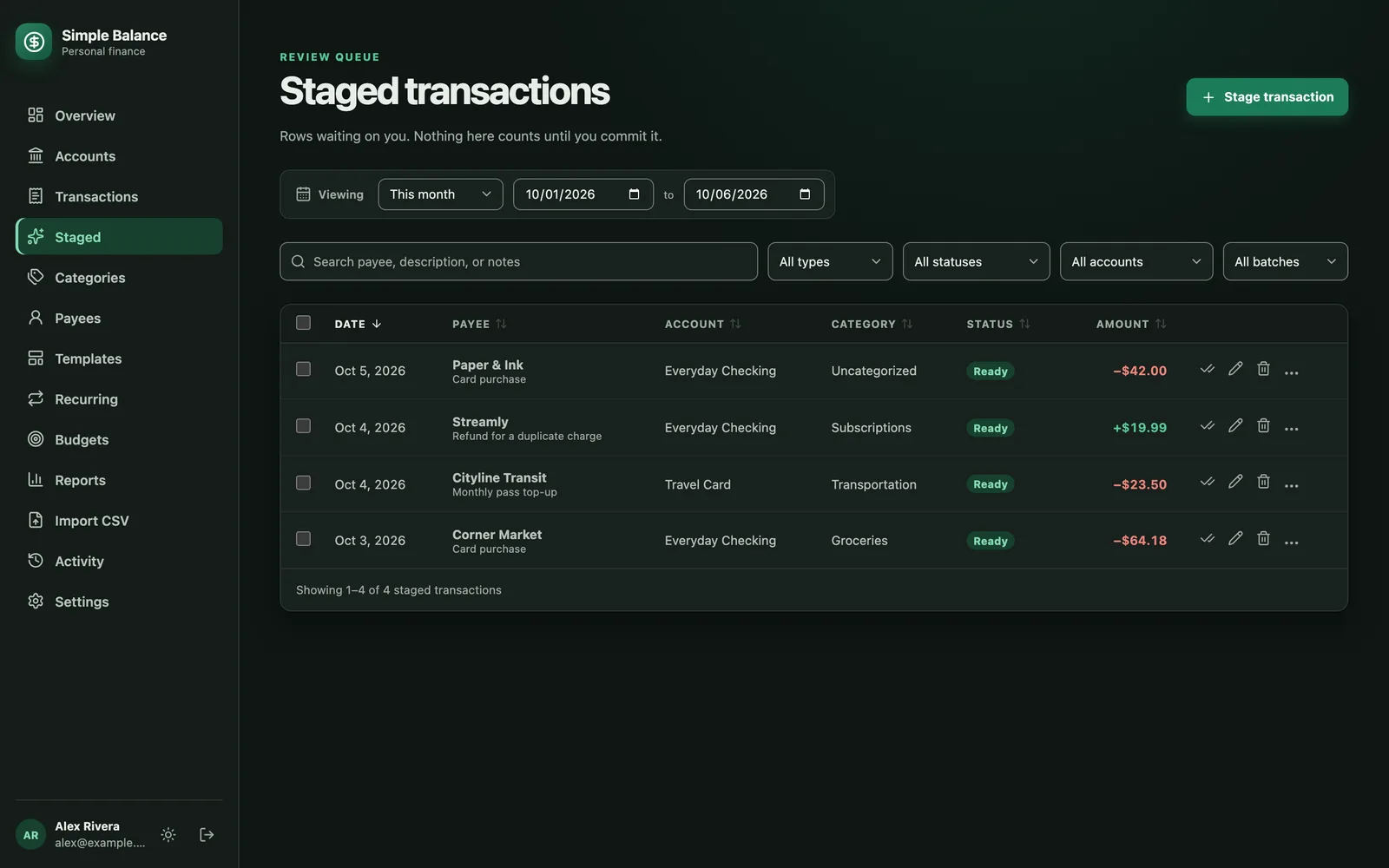
The money in this picture is made up. It’s the real product, filled with example spending.
Open the register
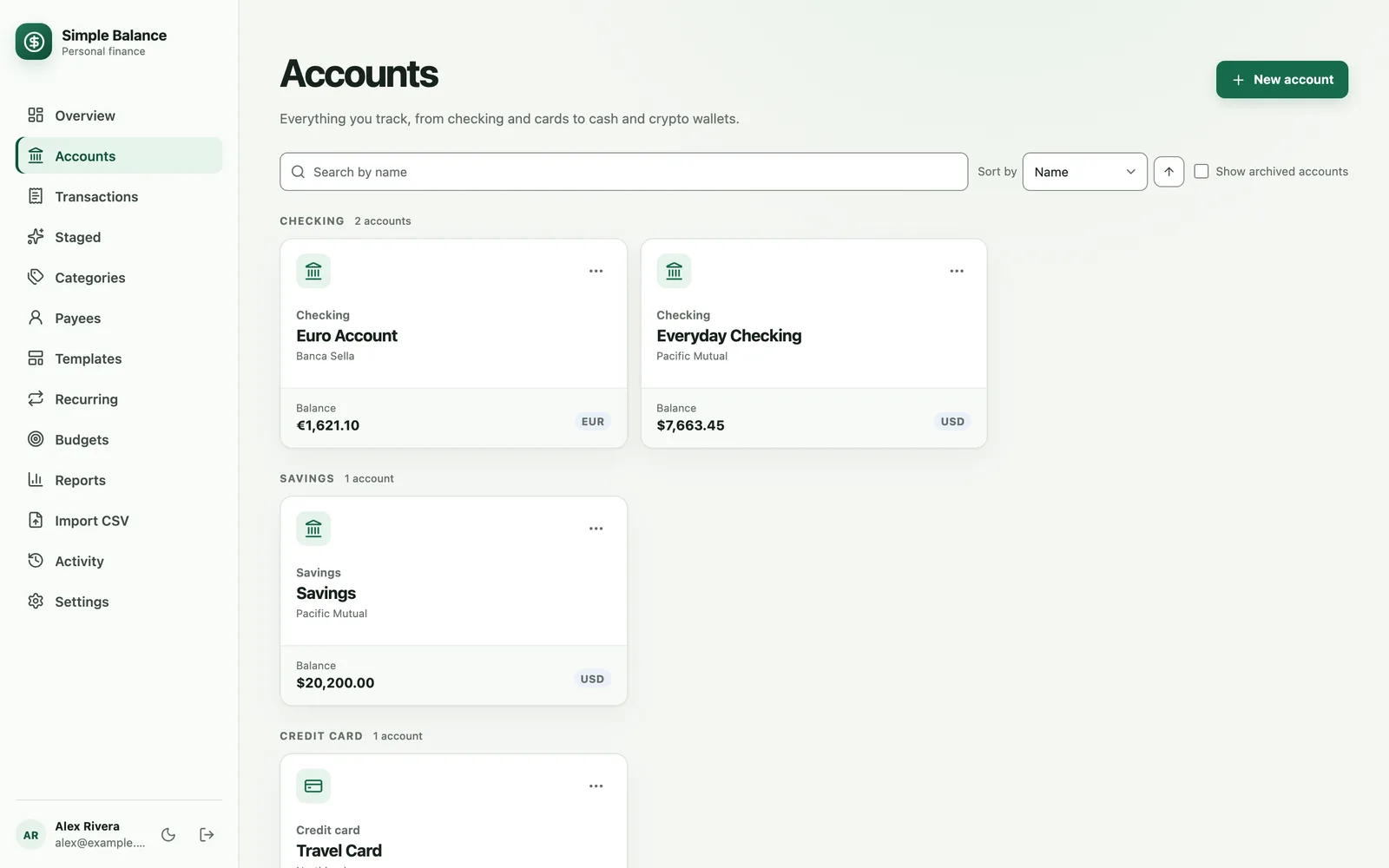
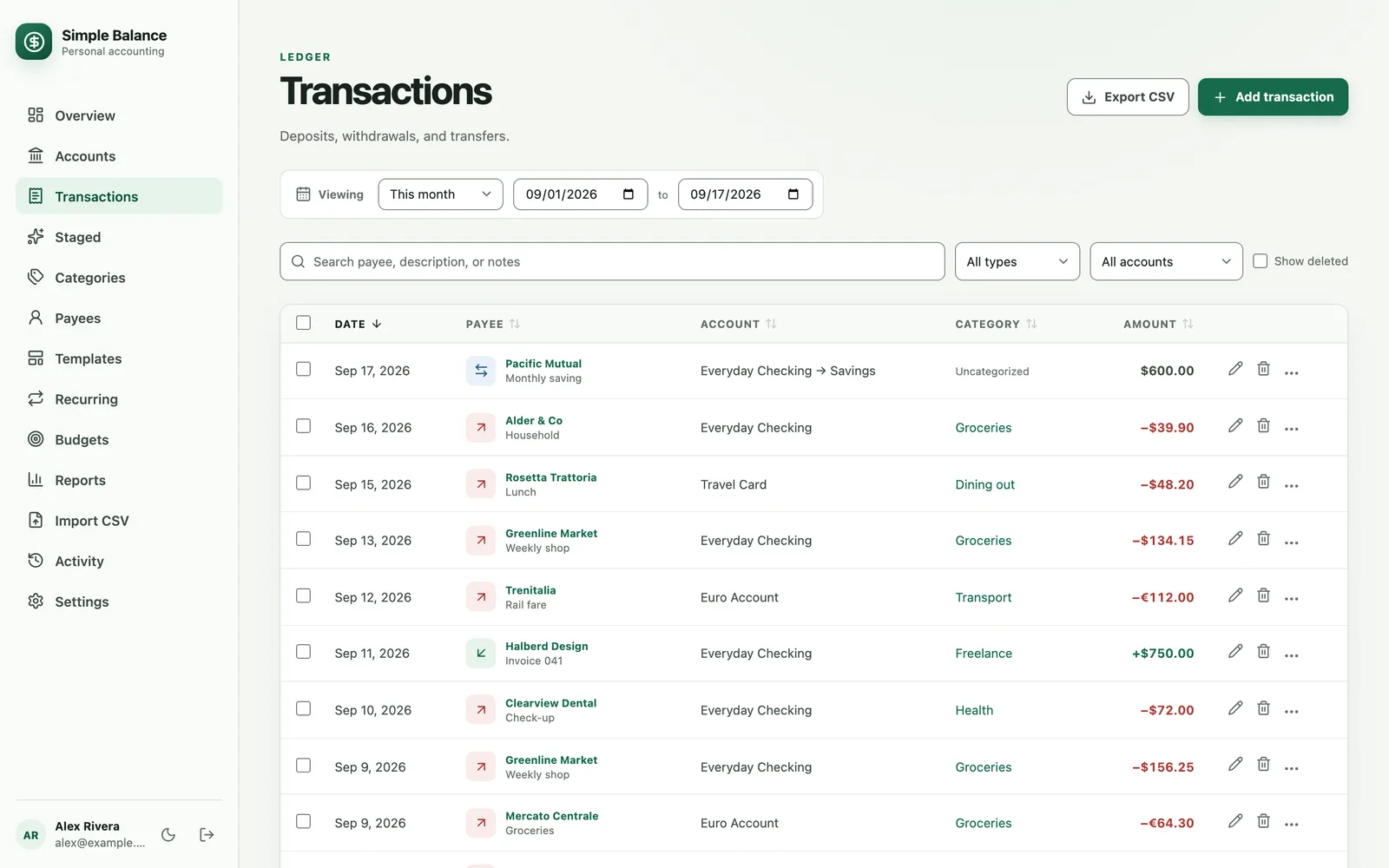
On Accounts, open the account and press Show register. It lists every deposit and withdrawal in date order, with the balance before and after each one. It’s your own record, laid out the same way as the bank’s.
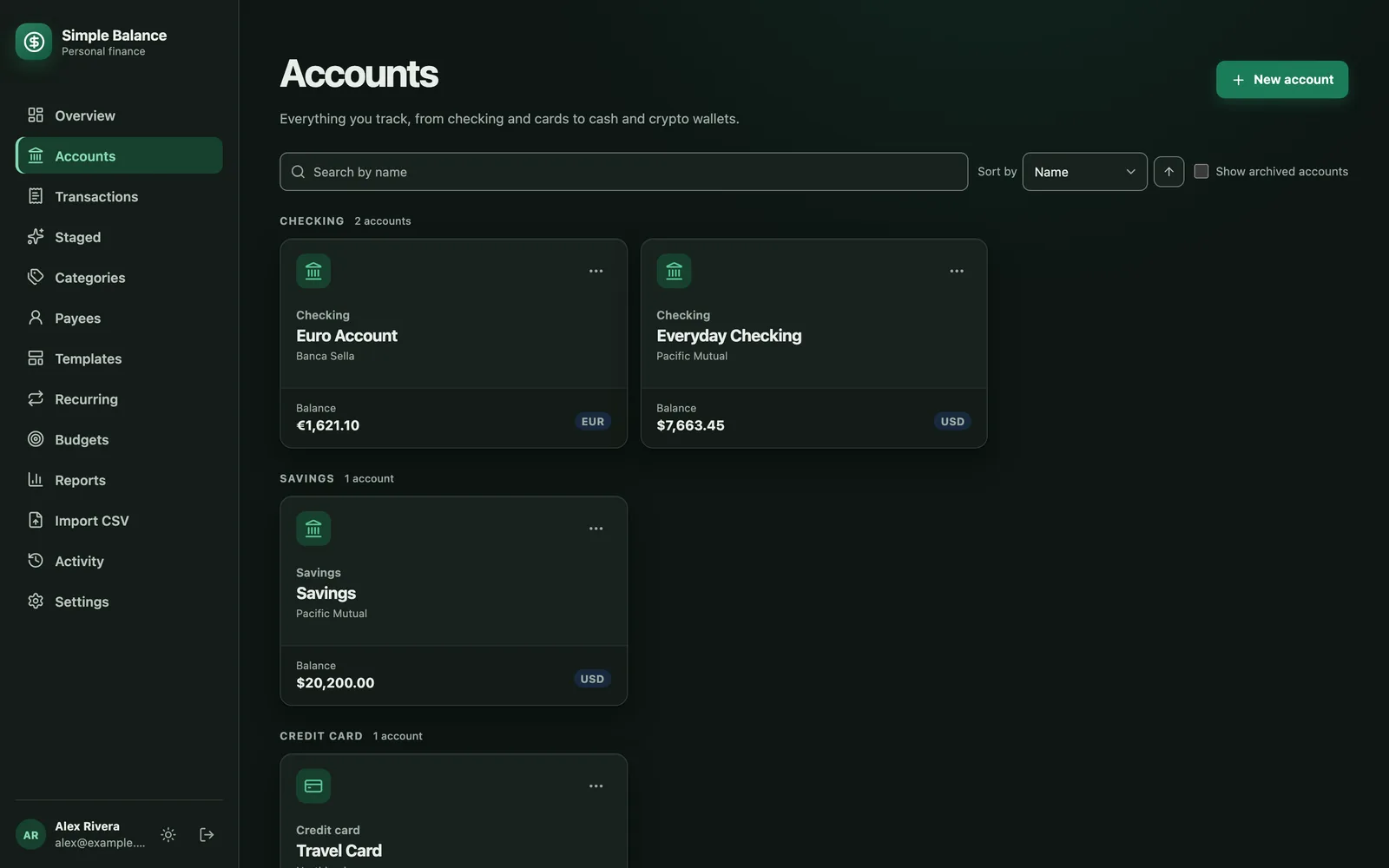
The money in this picture is made up. It’s the real product, filled with example spending.
Compare the closing balance
Find the last row on or before the statement’s closing date. The balance after that row should match the statement’s ending balance, once you’ve allowed for anything still on its way.
Find where it went wrong
If they don’t match, read down the register until its running balance stops matching the bank’s. That’s the row to fix. The size of the gap tells you what to look for, just like in step 5.
Fix it and keep the history
On the same page, find that transaction in the list and press its pencil button to correct it.
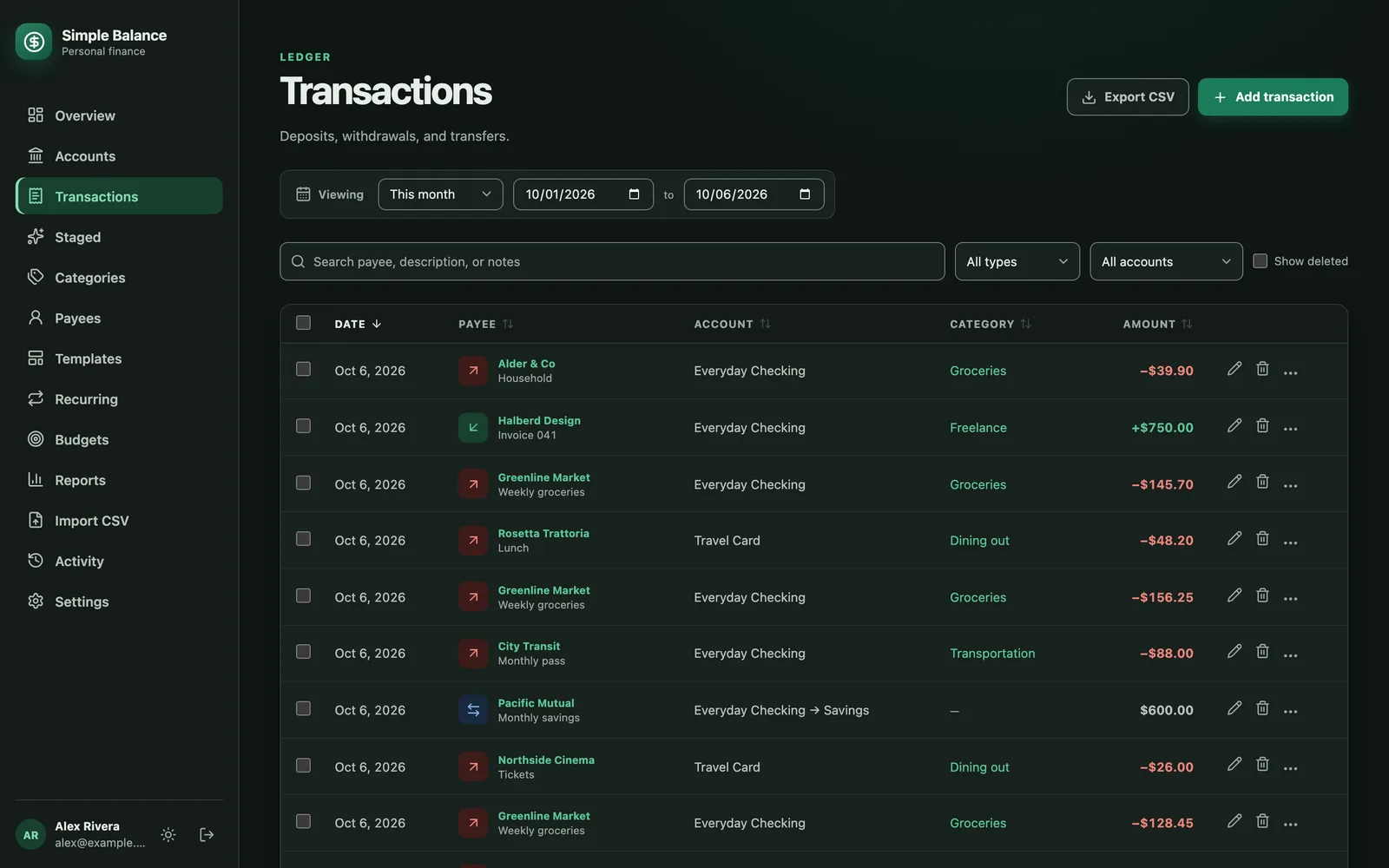
The money in this picture is made up. It’s the real product, filled with example spending.
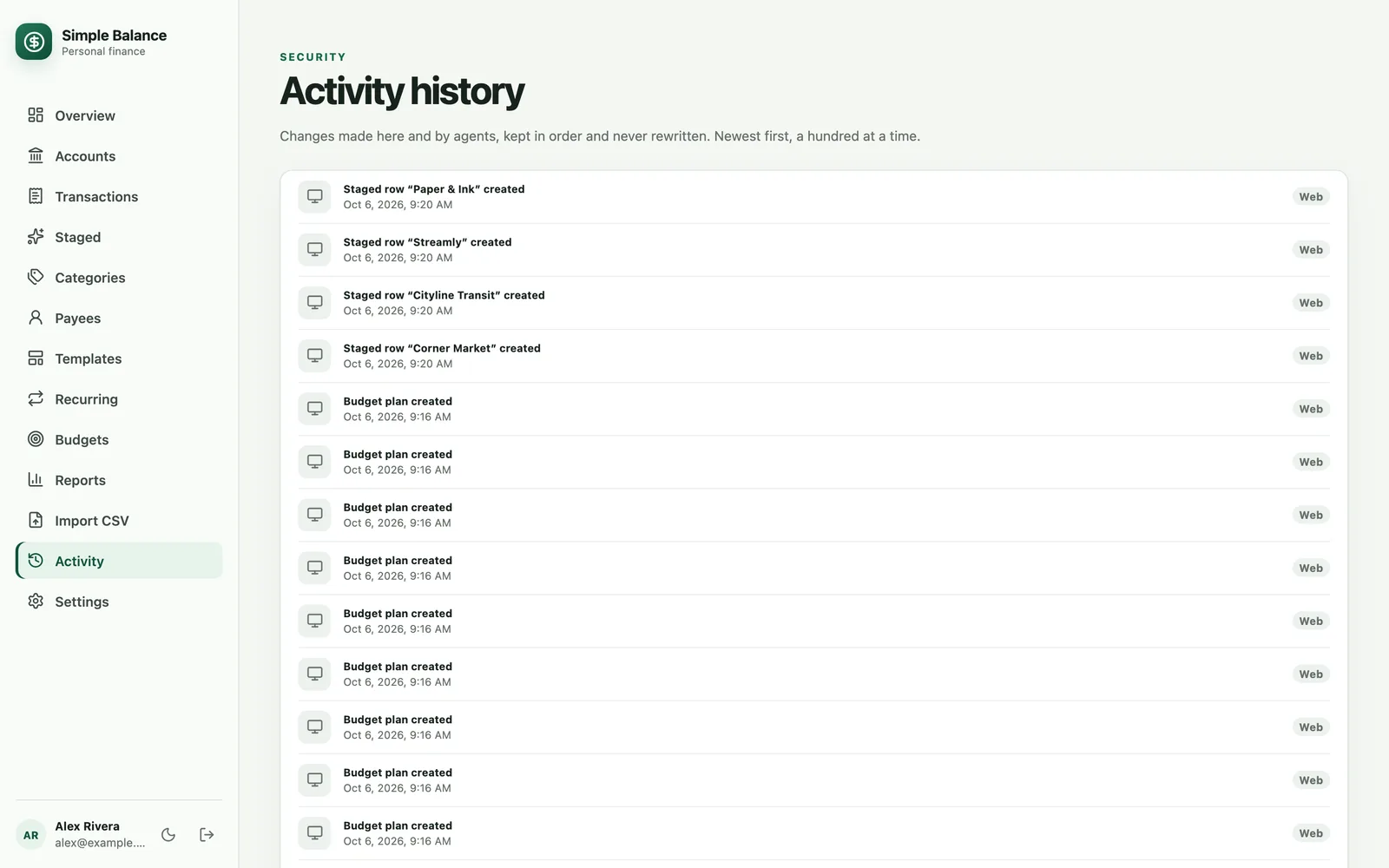
Simple Balance records a fix as a change on top of the original instead of erasing it. The history of the mistake stays, and Activity lists the change.
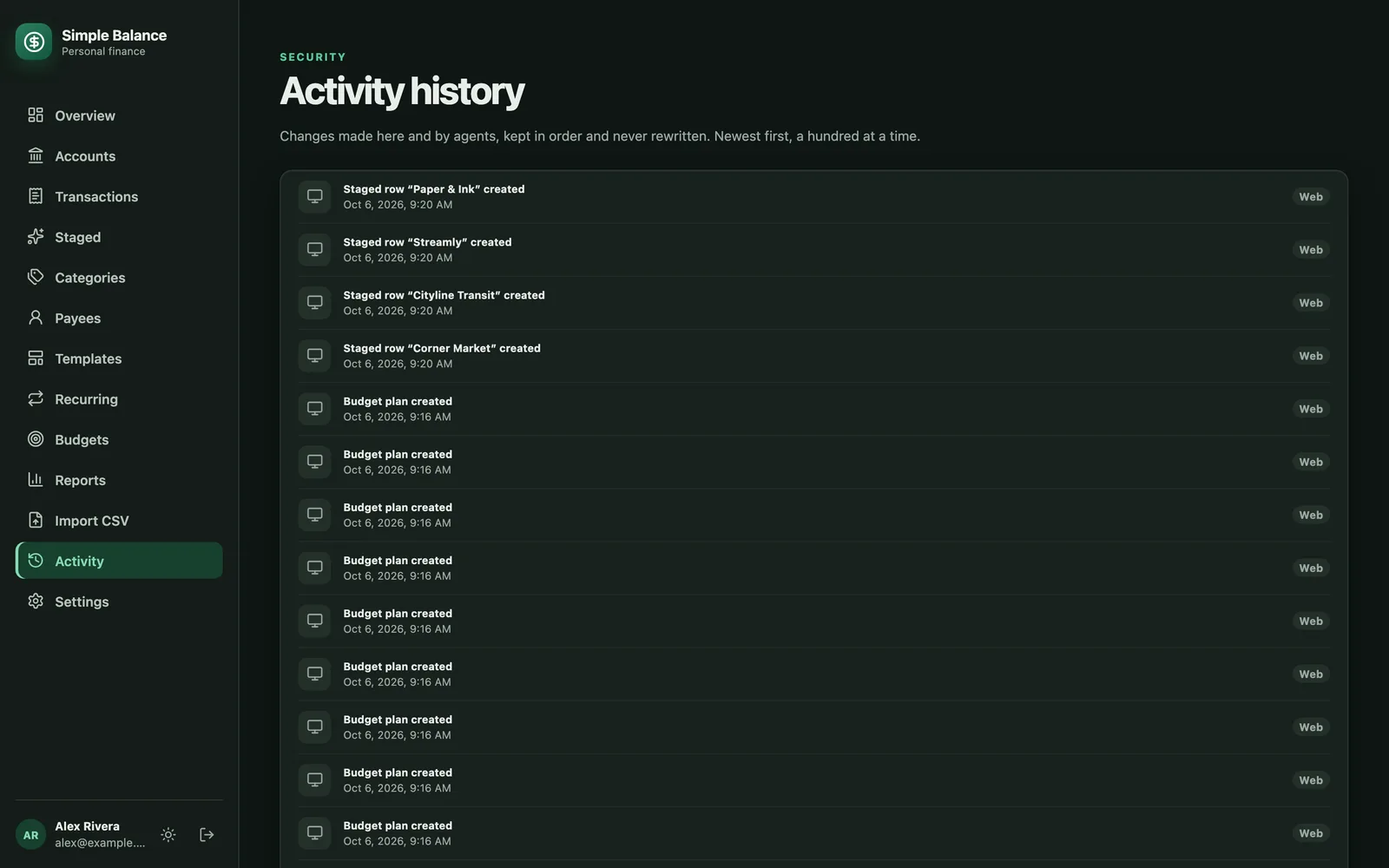
The money in this picture is made up. It’s the real product, filled with example spending.
Sources
- Consumer Financial Protection Bureau. How do I get my money back after I discover an unauthorized transaction or money missing from my bank account?. Reviewed August 28, 2026.
- Office of the Comptroller of the Currency, HelpWithMyBank.gov. Can the bank charge an overdraft fee while there is a deposit pending?.
- Federal Deposit Insurance Corporation. Money Smart podcast: Balance your checkbook.
- Steven Bragg, AccountingTools. Transposition error definition. February 13, 2026.