Activity history
Every change made to your books, by you, a connected AI assistant or a schedule, listed newest first, kept in order and never rewritten.
Activity history is a list of every change made to your books in Simple Balance: what changed, when, and whether you, a connected AI assistant or the app’s own schedule made the change. Open it from Activity in the sidebar. The newest change is at the top, and a line is never changed once it’s written.
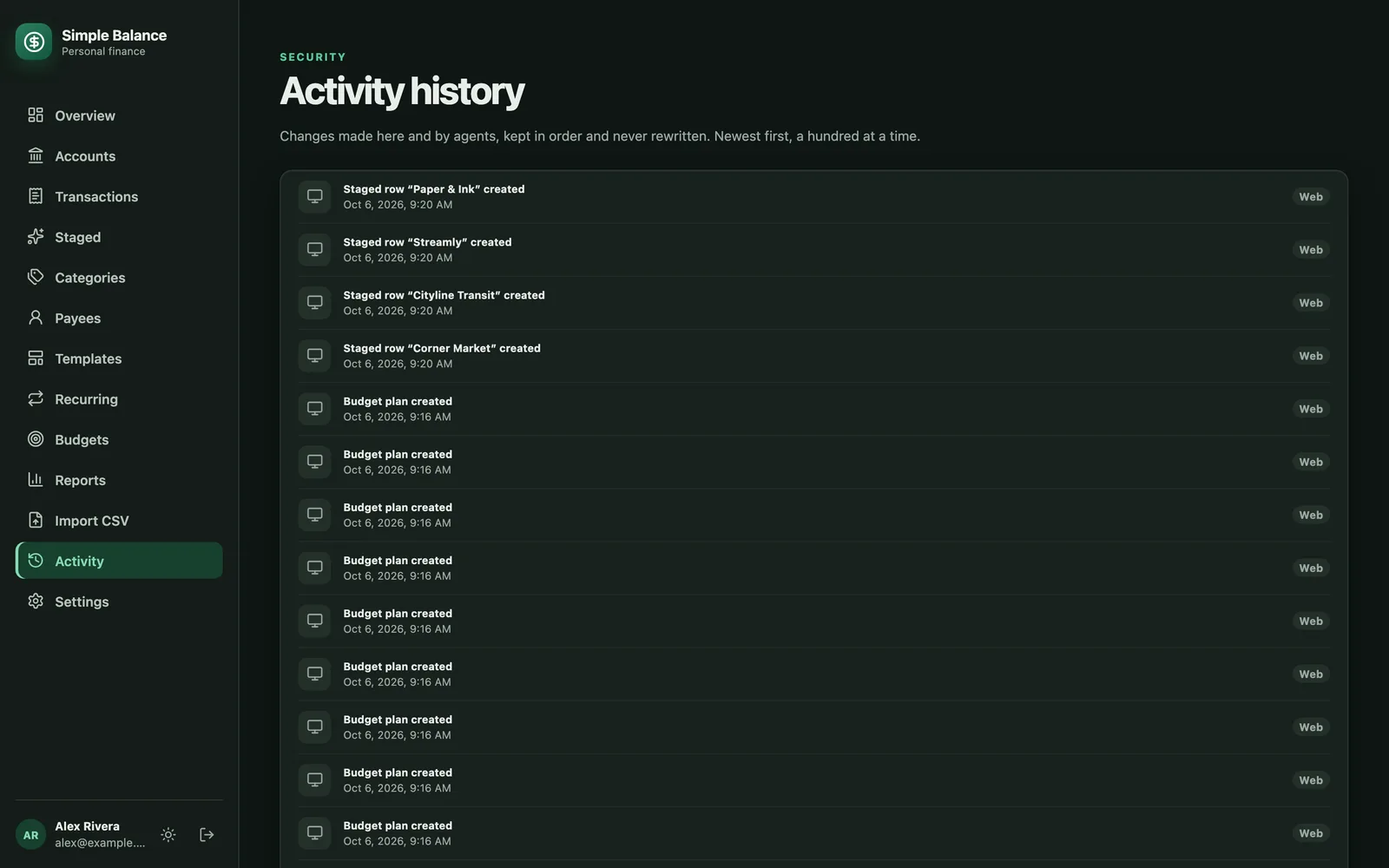
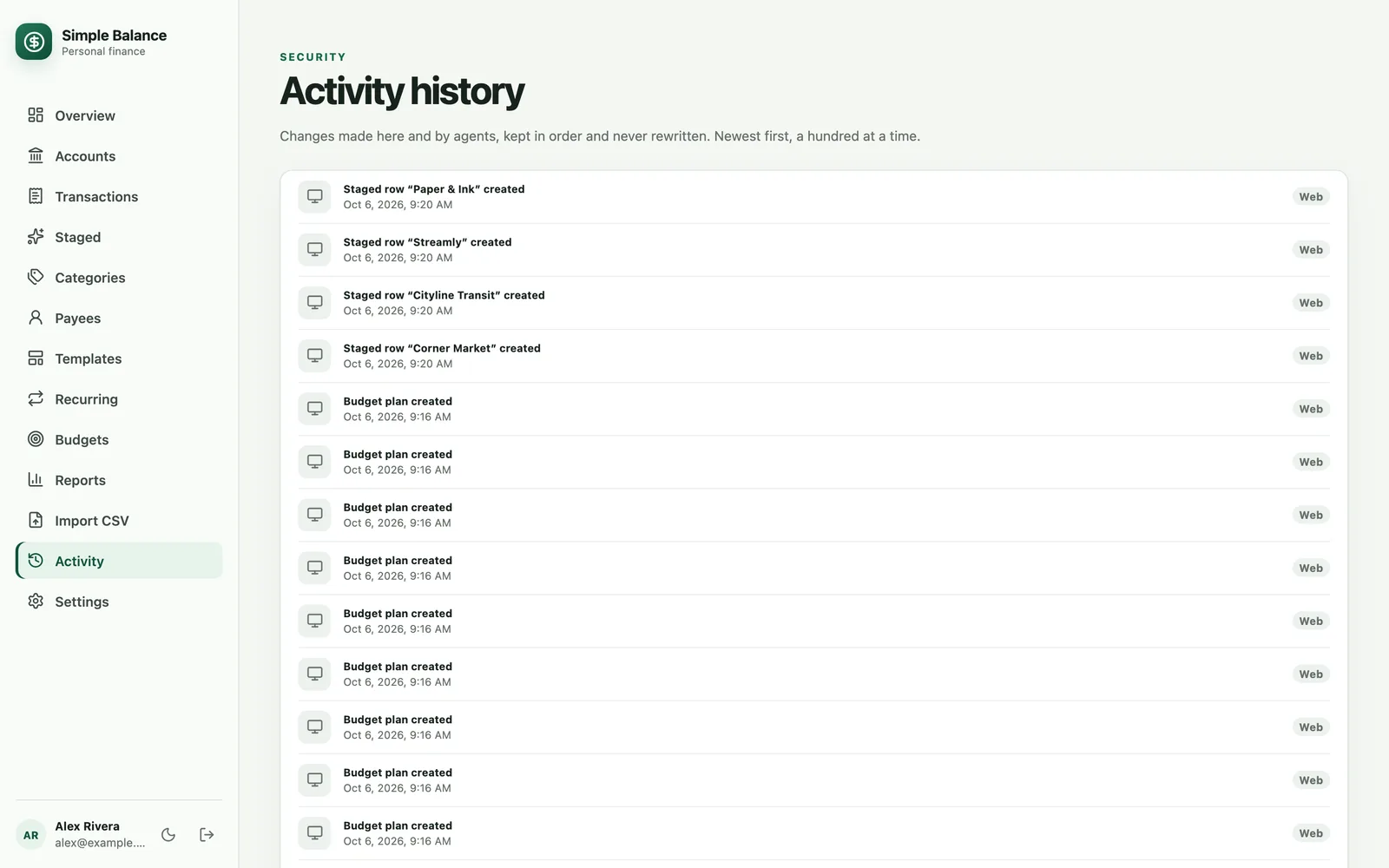
The money in this picture is made up. It’s the real product, filled with example spending.
Read a line
Each line names the kind of thing that changed, its name, and what happened to it:
- Transaction “Corner Market” edited
- Category “Dining” merged into another
- Staged row “Rent” proposed by a recurring transaction
- Agent connection “Claude” disconnected
Something without a name of its own, like a budget, reads as just Budget plan created. Under each line is the date and time it happened, in your timezone rather than the device’s.
The line says what changed, not what it was before or after. Simple Balance keeps a copy of that behind each line, though, even for something you’ve deleted, and an AI assistant you’ve connected reads it along with the list. The privacy policy says how long it’s kept. To see a transaction as it is now, find it on Transactions.
Who made the change
The badge at the end of each line says where the change came from.
| Badge | Who made it |
|---|---|
| Web | You, signed in to Simple Balance in a browser. |
| Agent | An AI assistant you’ve connected. Connecting an AI assistant covers connecting one. |
| Scheduled | The app itself, when a recurring transaction comes due and puts a row on Staged. |
What’s recorded
Every change to your:
- accounts and transactions
- staged transactions, including each row an import brings in
- categories and category groups
- payees, when you merge them
- templates and recurring transactions
- budgets
- preferences, down to a change of theme
Disconnecting an AI assistant is recorded too.
Signing in, changing your password, changing your plan and exporting don’t appear here. Nor does anything that only reads, like opening a report or an assistant looking at your transactions.
One action can add many lines. An import adds a line for every row it staged, and a merge adds a line for everything it moved to the category or payee you kept. A single import or merge can fill a page.
See older activity
The screen shows the newest 100 lines. Press Show older activity at the bottom to load the next 100, as many times as you need. The list can’t be searched, filtered or sorted.
If nothing has changed yet, the screen says No activity yet.
What it’s useful for
- Checking what an AI assistant did. Every change it made carries the Agent badge, so you can see what it touched and when.
- Seeing when a recurring transaction proposed a row, under the Scheduled badge.
- Finding out when something was edited, deleted or merged, when a balance isn’t what you remember.
An AI assistant you’ve connected can read this list too, with any kind of access, so you can also ask it what changed.
Activity history can’t undo anything
The list is a record, not an undo button. To put something back, go to where it lives:
- A deleted transaction. On Transactions, check Show deleted, find the row and press its restore button. It counts again from then on.
- An archived account or category. Check Show archived accounts on Accounts, or Show archived on Categories, and restore it from its ⋯ menu.
- An edit. Edit it back. The line tells you when the change was made, so you know which transaction to look at.
Some changes can’t be reversed. A category merge can’t be undone, and neither can deleting a category. A payee merge can’t be undone in one step. Categories and payees has the details.
Deleting your account deletes its activity history along with everything else. Your account and plan covers what that removes.