Keeping it accurate
How to find and keep track of your subscriptions
Go through a year of bank and card statements and list every charge that repeats. Then decide on each one, and keep the list from growing back.
Subscriptions are easy to start and easy to forget. Each one is small, most renew on their own, and a free trial turns into a charge on a date nobody wrote down. To find them, go through a year of bank and card statements and list every charge that repeats. That takes about an hour. Keeping the list short takes a habit.
Why it matters
People tend to guess low. In a 2022 survey by C+R Research, people’s first guess at what they spent on subscriptions each month averaged $86. When they went through them one kind at a time, the average came to $219. That’s $133 more than they first thought. Both numbers came from what people remembered, not from their statements, so the only way to know your real number is to look.
They add up over a year. A $15 subscription you don’t use costs $180 a year. Three of those could pay for a weekend away.
Prices can creep up. A subscription can renew at a higher price than the one you signed up for, with an email about it that you may never have opened.
Yearly renewals are the easiest to miss. A charge that comes once a year won’t show up in a month or two of statements, and when it does come, it’s all at once.
How to do it
1. Pull a year of statements
Two or three months will show the monthly charges. A full year shows the yearly ones too. Include every checking account and every card, plus any online payment account you use.
2. Look for repeats
Look for the same name or the same amount coming up month after month. Watch for words like subscription, membership, renewal and premium. Also look for app store charges, which can bundle many subscriptions under one name. Your phone’s app store account lists the subscriptions it bills you for.
3. Make a list
For each subscription, write down what it is, how much it costs, how often you pay, when it renews, and which card it’s on.
4. Decide on each one
Keep it, switch to a cheaper plan, or cancel it. If you haven’t used it in a month and wouldn’t miss it, that’s your answer. Cancel through the company’s own website or app, and save the confirmation.
5. Keep the list from growing back
Before you start a free trial, write down the date it turns into a charge and set a reminder for a few days before. The Federal Trade Commission’s advice on free trials and auto-renewals is blunt: if you don’t cancel on time, you’ll probably be charged. It also suggests watching your card statements after you cancel, in case the charges keep coming. Then look over your list every few months.
How to do it in Simple Balance
Simple Balance isn’t a subscription tracker that finds them for you, and it can’t cancel anything. What it does give you is one place to see every payment, and a way to keep the subscriptions you keep in plain view.
Start with your payees
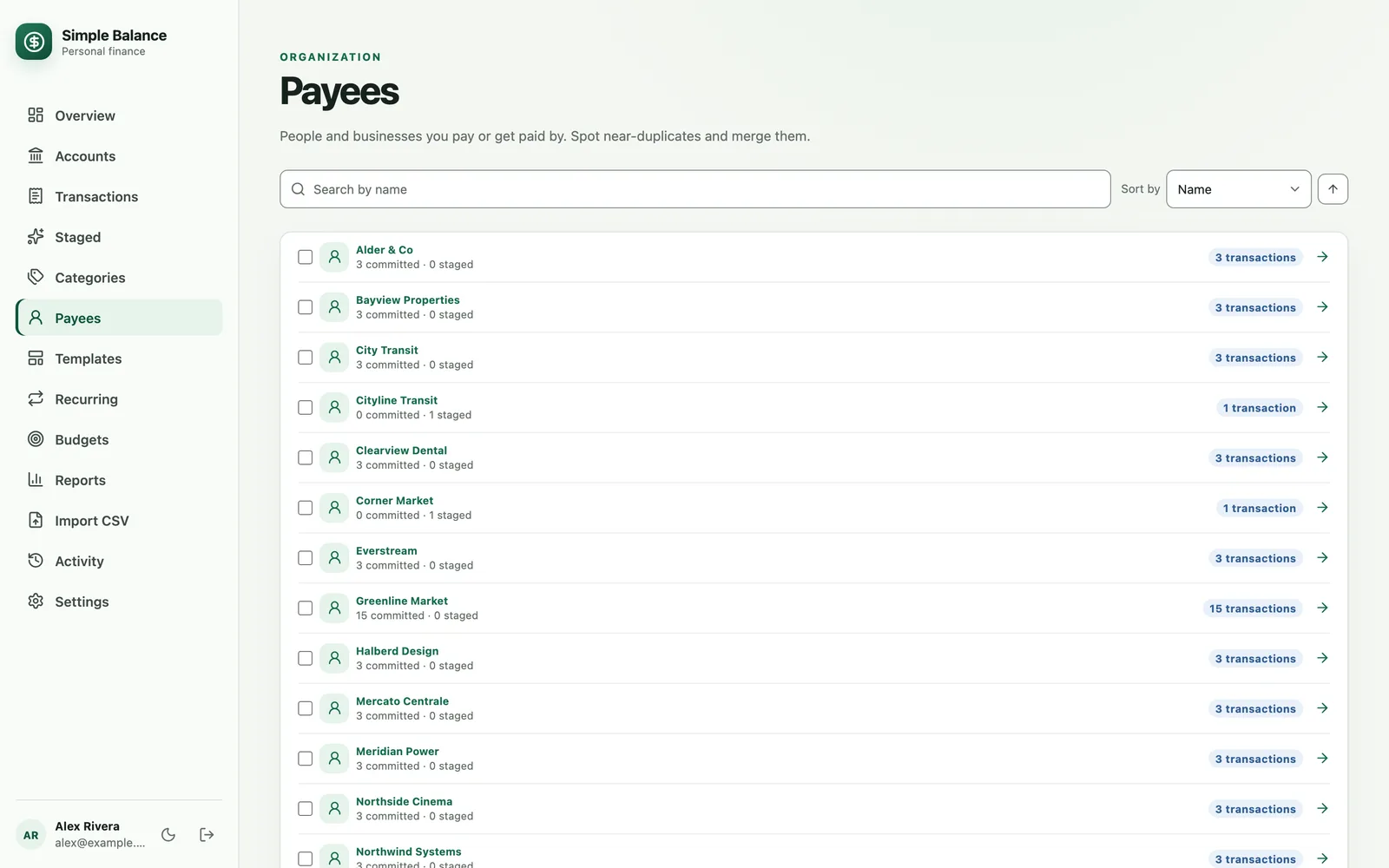
Payees lists everyone you’ve paid, with how many transactions each one has. Open one to see every payment you’ve made to them. That’s often how a monthly charge you forgot about turns up.
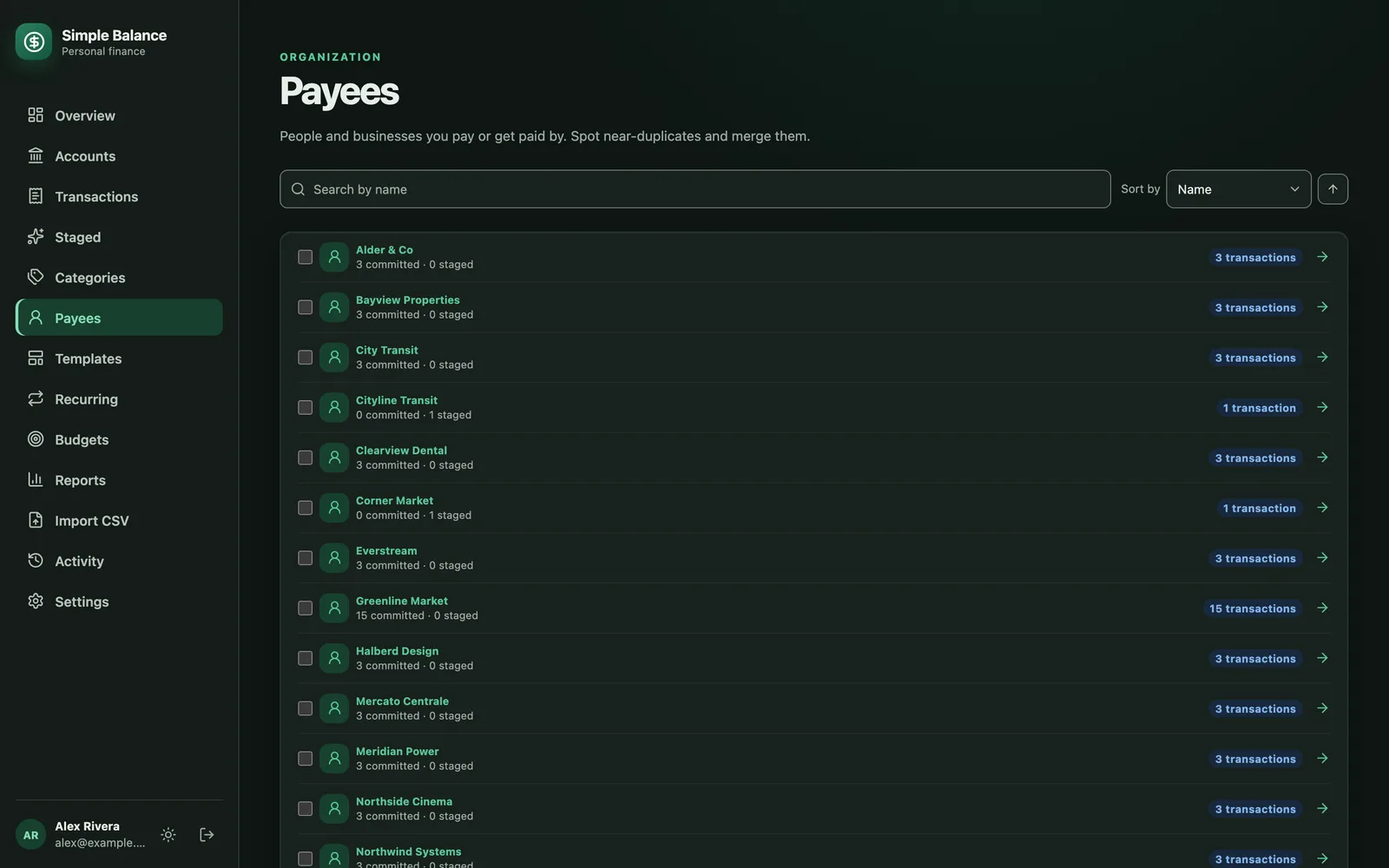
The money in this picture is made up. It’s the real product, filled with example spending.
Search for the rest
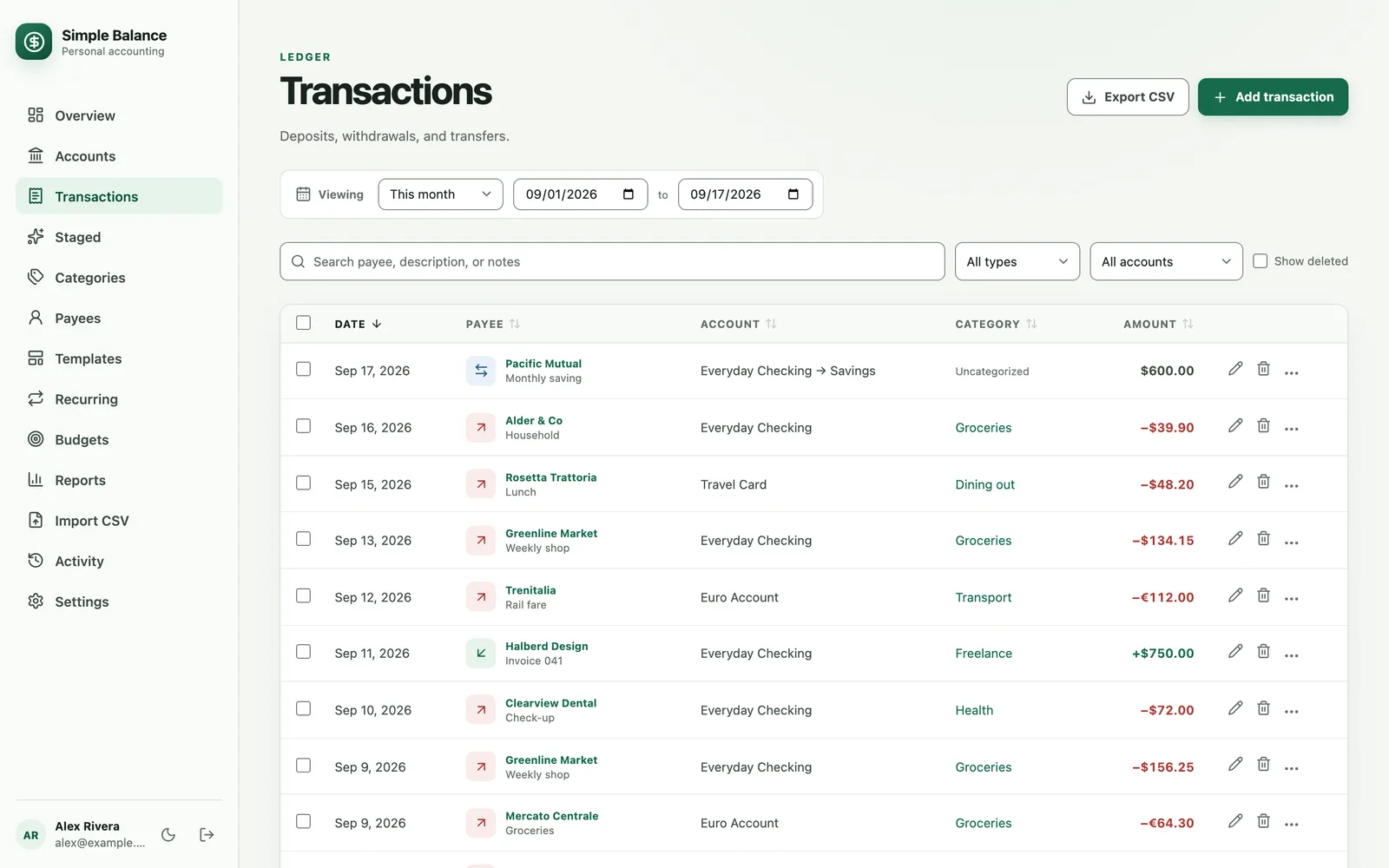
On Transactions, you can search by payee, description or notes, and sort by any column. Sorting by amount puts charges of the same size next to each other. That’s a quick way to spot one that repeats under slightly different names.
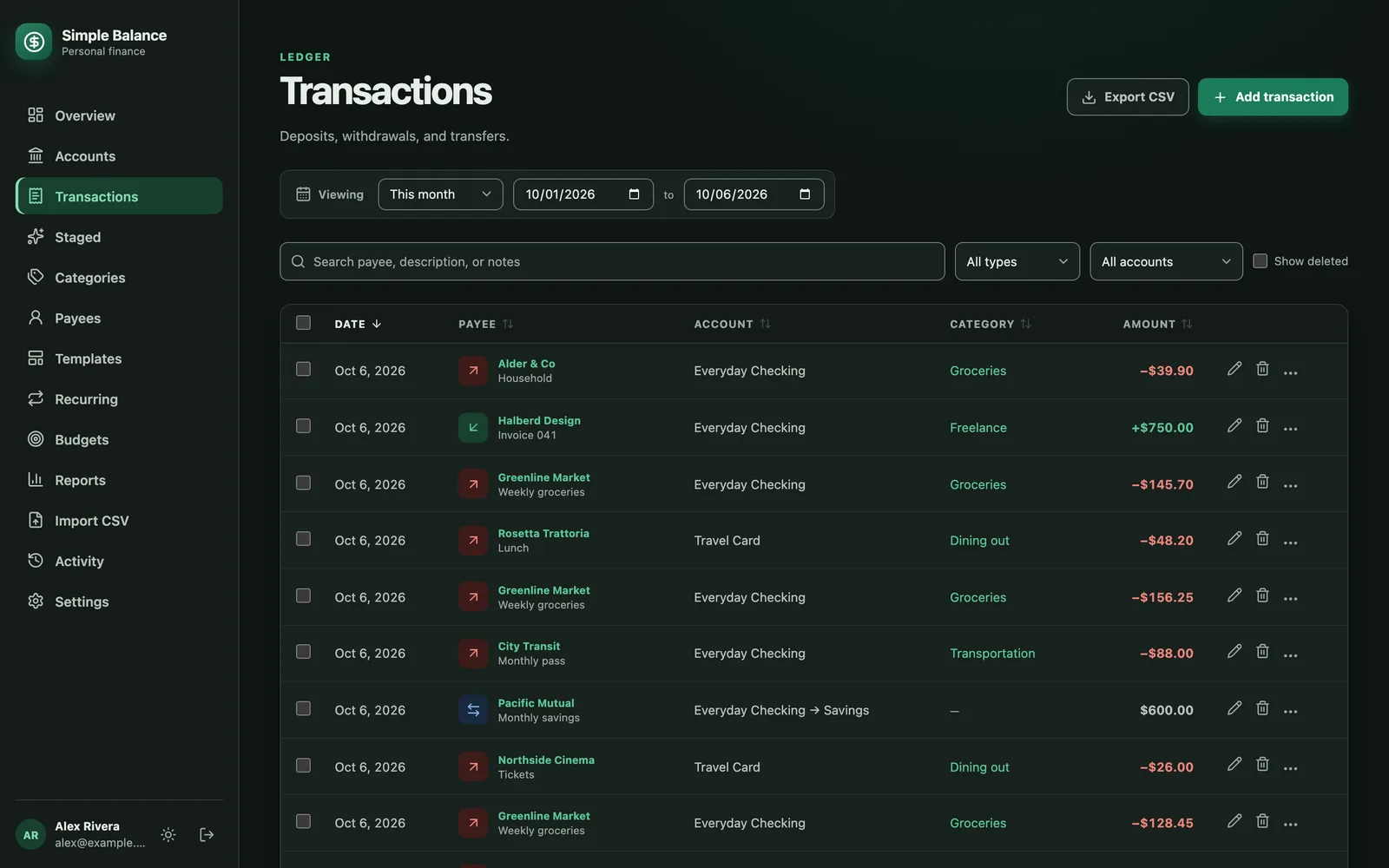
The money in this picture is made up. It’s the real product, filled with example spending.
Put them in one category
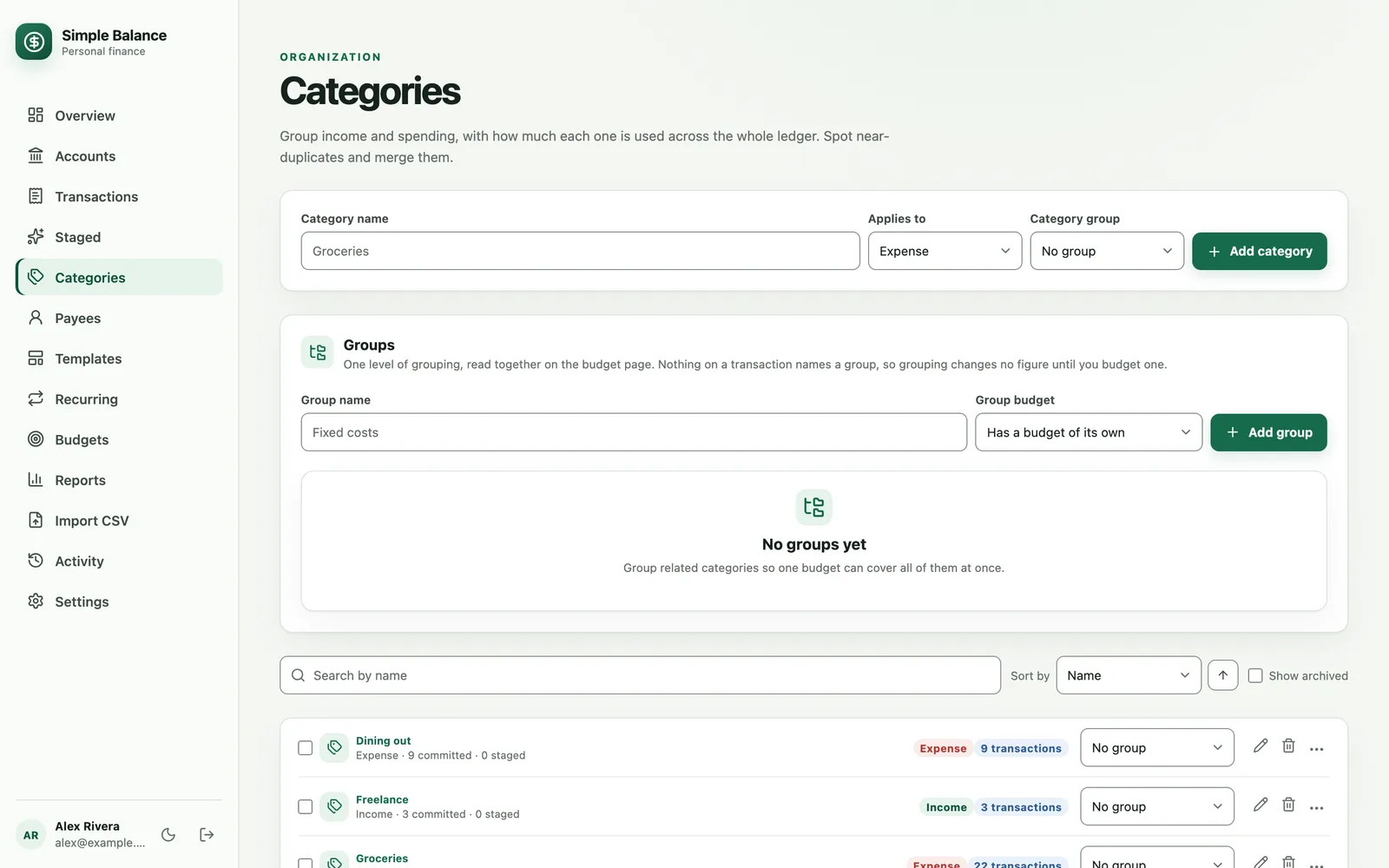
Make a category called Subscriptions. On Transactions, check the rows that belong in it and change their category all at once. The Categories report under Reports then shows what they cost together.
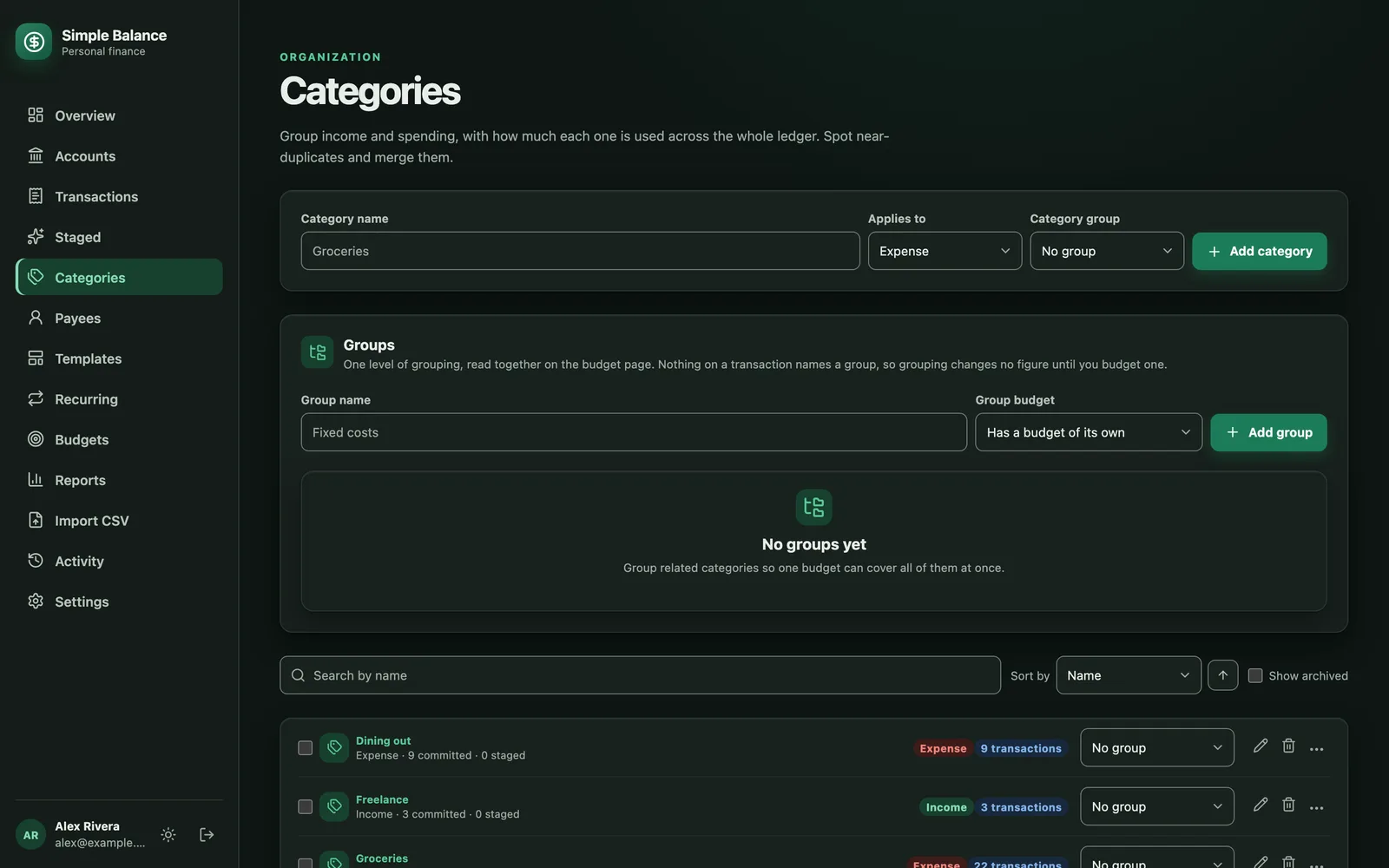
The money in this picture is made up. It’s the real product, filled with example spending.
Track the ones you keep
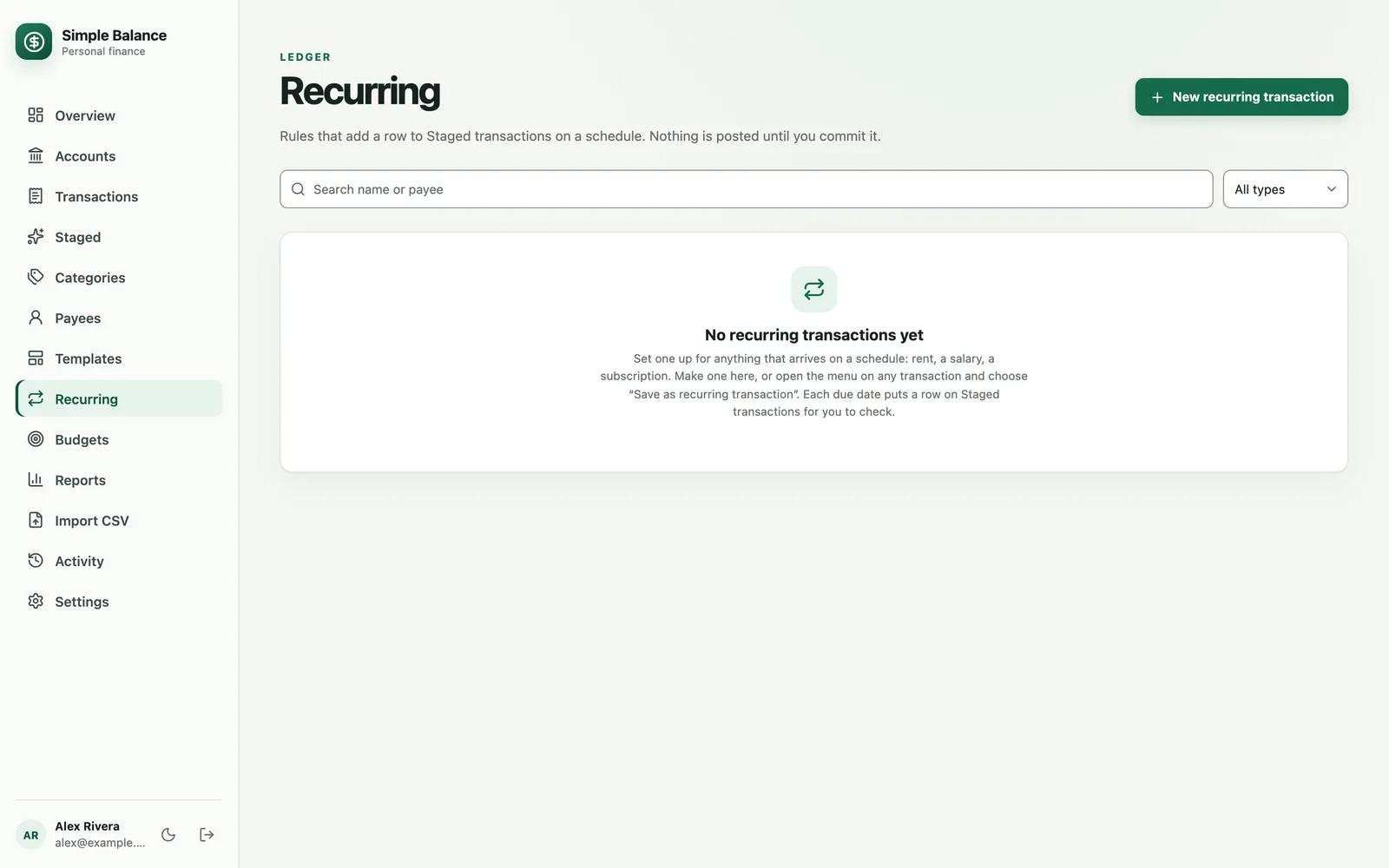
For each subscription you keep, open the menu on one of its transactions and choose Save as recurring transaction. Your Recurring page becomes your subscription list. Each one adds a row to Staged when it’s due, for you to check and approve, and it can send you an email when it does.
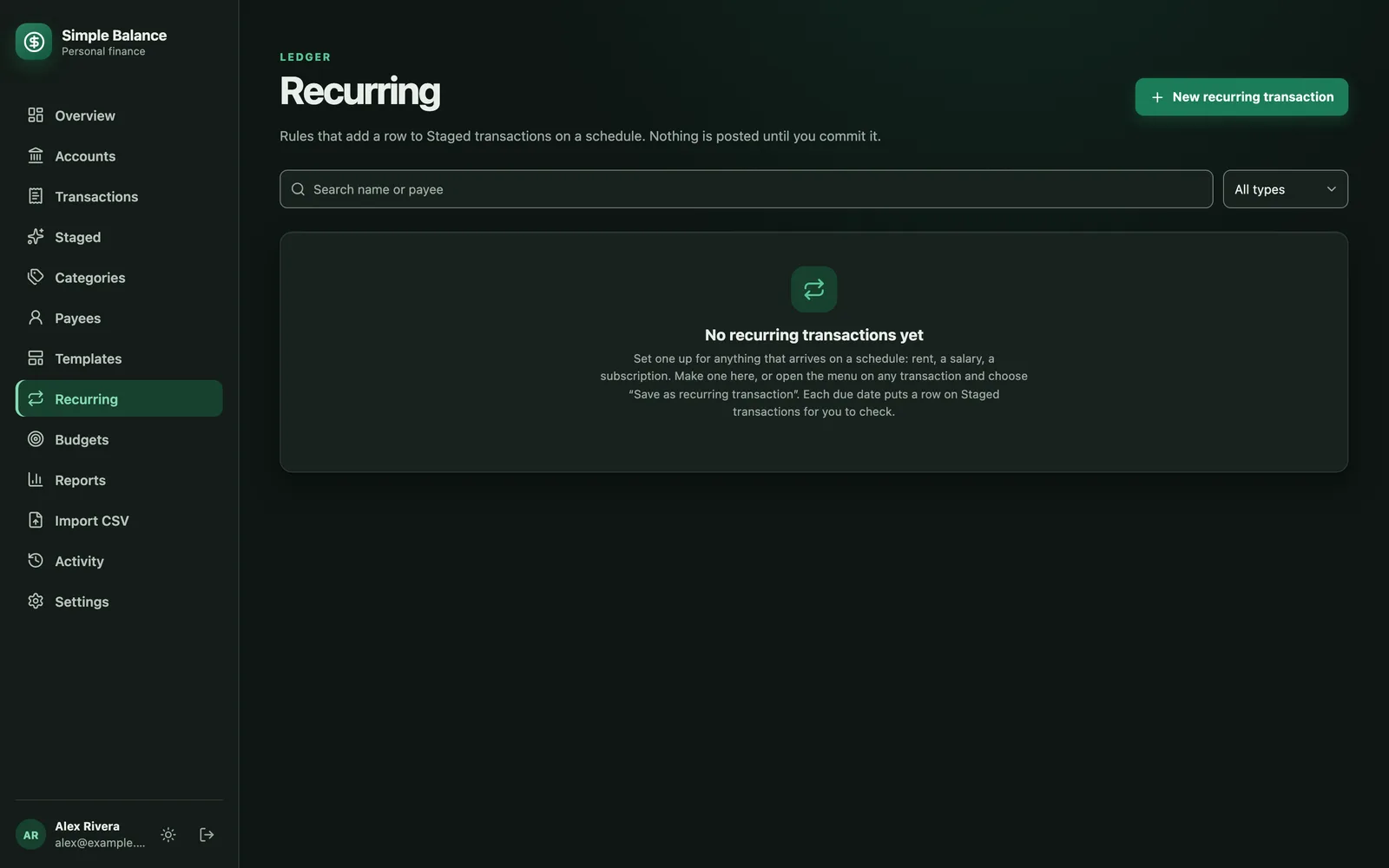
The money in this picture is made up. It’s the real product, filled with example spending.
Get a reminder before a trial ends
A template can send you an email reminder on a single date. Make one for the trial, set the reminder for a few days before the first charge, and you’ll hear about it while you can still cancel.
Sources
- C+R Research. Subscription service statistics and costs. Survey of 1,000 U.S. consumers, April and May 2022.
- Sarah Agostino, CNBC. Most consumers underestimate monthly subscription costs by at least $100, study says. September 6, 2022.
- Federal Trade Commission. Getting in and out of free trials, auto-renewals, and negative option subscriptions. September 2024.